

Key Takeaways
- Best for Movies/Videos: Tipard Video Converter Ultimate (Permanent boost & Sync).
- Best for Gaming: FxSound (Low latency & EQ).
- Best for Browser/YouTube: Volume Master (Up to 600% boost).
- Best for System-wide (Windows): Equalizer APO.
Do you ever feel like your music, videos, or movies are too quiet, no matter how high you turn up the volume? What you need is a volume booster. It can increase your sound, make audio clearer, and even fix low-volume problems on your device.
Many audio boosters are ready for you here. So, please explore each one and pick the one you use most, whether it is for Windows, Mac, online, iPhone, or Android, to enjoy the best sound experience.

Part 1. Top 5 Volume Booster Software on Windows and Mac
1. Tipard Video Converter Ultimate
- Supported platforms: Windows & Mac
- Boost level: Up to 200%
- Safety score: 4/5
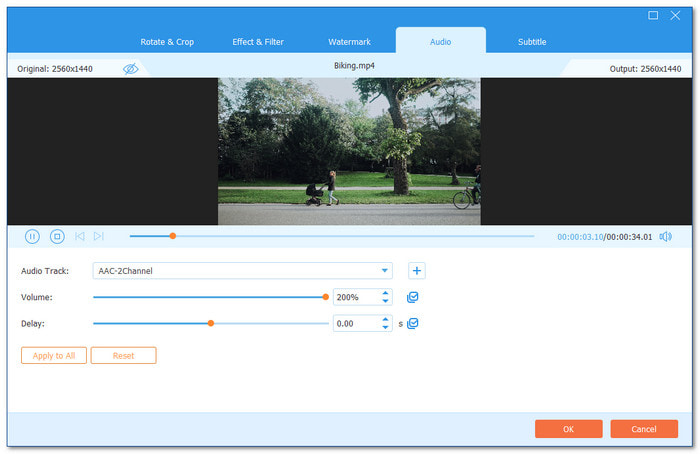
Sitting at the very top is the one tool that does more than just raise sound. Tipard Video Converter Ultimate is the number 1 volume booster software for Windows and Mac.
It lets you boost the volume of a video by up to 200% with clear results. You can also select different audio tracks with ease. Plus, it supports batch applying, so you can fix many videos at once. After boosting, it still produces high audio quality. What makes it different is that it can permanently increase the volume of your audio files.
- Offers adjustable volume control for accurate boosting.
- Allows you to sync audio and video.
- Supports 500+ media formats.
- All-in-one solution for media editing needs.
- The free version has limited features.
2. FxSound
- Supported platform: Windows
- Boost level: Moderate to big boost with preamp and EQ control
- Safety score: 3.3/5
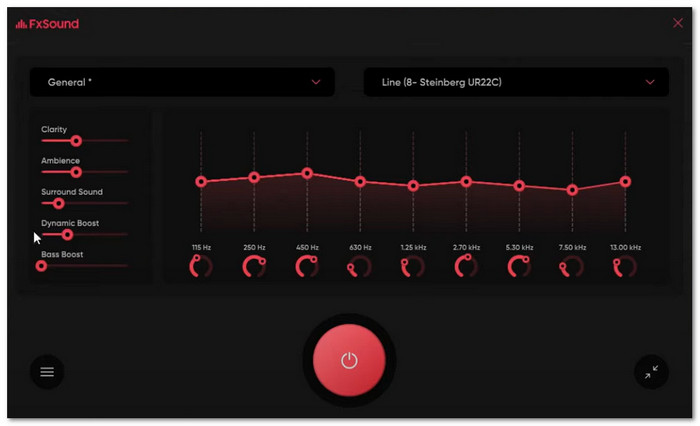
Want a free volume booster that also makes your music and games sound better? FxSound is known for fixing weak or flat audio. It boosts volume, bass, and clarity in one click. It comes with a 20-band equalizer and ready-made presets for music, games, and movies. You can switch modes fast. The free version is good, but some advanced tools need Pro.
- Offers a detailed 20-band equalizer for sound control.
- Includes presets for music, games, and movies.
- Provides a free version for basic use.
- Locks advanced tools behind a paid Pro plan.
- It may feel complex for users who want simple boosting.
You May Also Like:
3. Equalizer APO
- Supported platform: Windows
- Boost level: High boost using preamplification filters
- Safety score: 4/5
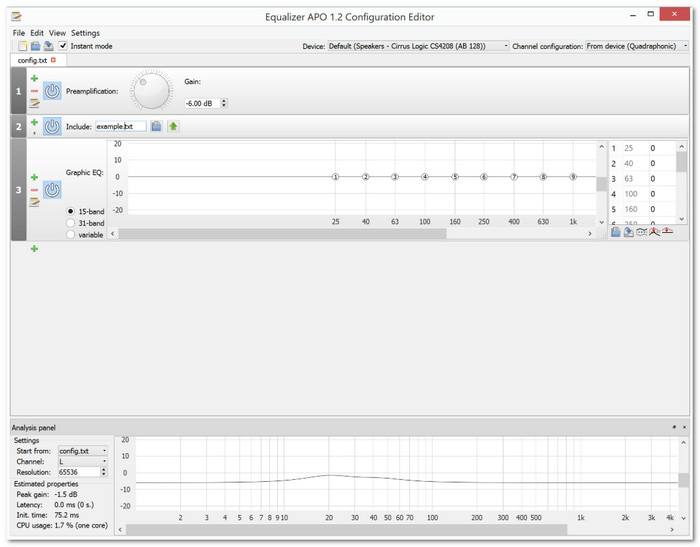
If you want full control over your sound, this audio sound booster gives you power. Equalizer APO is open-source and light on your system. It supports unlimited filters and works in real time with low delay.
You can raise the speaker or mic volume using a preamp filter. It also supports VST plugins. The interface looks hard at first, but it is strong once you learn it. Many users install Peace GUI to make it easier.
- Completely free and open-source software.
- Allows unlimited filters and VST plugin support.
- Uses low CPU resources.
- The default interface feels hard for beginners.
- Needs an extra GUI like Peace for easier control.
4. Boom 3D
- Supported platforms: Windows & Mac
- Boost level: Moderate to very big boost, especially on Mac
- Safety score: 4/5
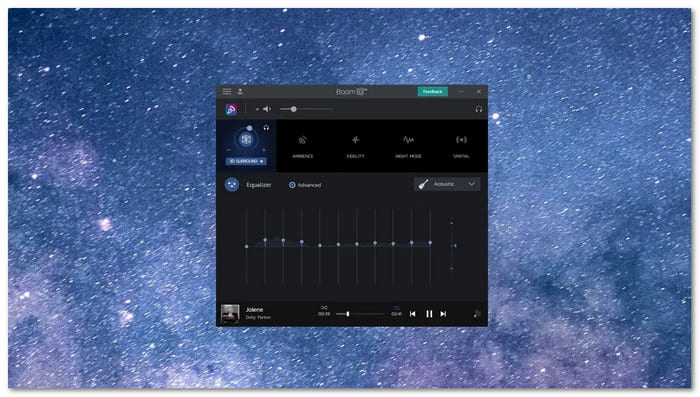
Think about turning normal headphones into a small home theater. That is where this volume booster PC stands out. Boom 3D focuses on rich 3D surround sound. It boosts system audio and adds depth to music, movies, and games.
The Mac version even pushes volume past normal limits in a safe way. It also has a 31-band equalizer and app volume control. You can manage each app's sound with ease. It starts with a free trial.
- Creates immersive 3D surround sound on any headphones.
- Includes app volume controller and equalizer presets.
- Gives access to over 20,000 radio stations.
- Requires payment after the 30-day trial.
- Focusing on 3D sound may be too much for simple boosting.
5. Audio Retoucher
- Supported platform: Windows
- Boost level: Low direct volume boost with pitch and tempo control
- Safety score: 4.3/5
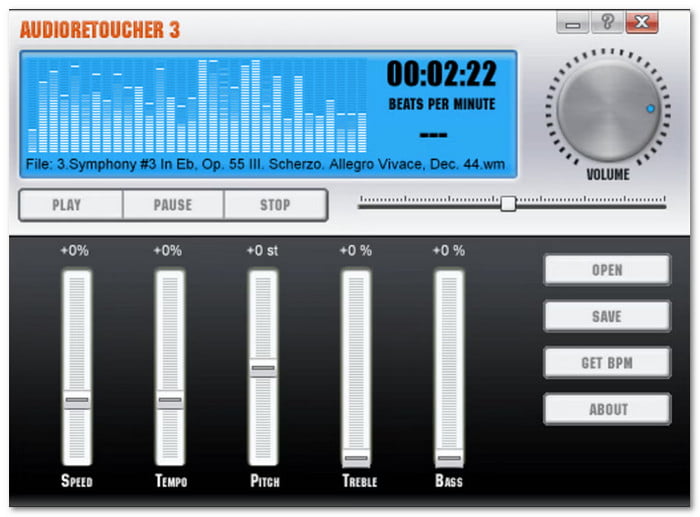
Not all tools boost live system sound. Some focus on editing audio files. Audio Retoucher is more of a music tool than a basic volume booster. It lets you change pitch, tempo, bass, and treble in real time. Musicians use it to match keys or adjust speed. It supports many popular formats like MP3 and WAV. And of course, it is simple to use.
- Simple design for non-technical users.
- Supports many popular audio formats.
- Allows pitch and tempo changes in real time.
- Not designed for system-wide live audio boosting.
- Full features require a paid license.
Part 2. Top 4 Volume Booster Extensions on Browsers
1. Volume Booster
- Supported browser: Google Chrome
- Boost level: Up to 1000%
- Safety score: 4.5/5
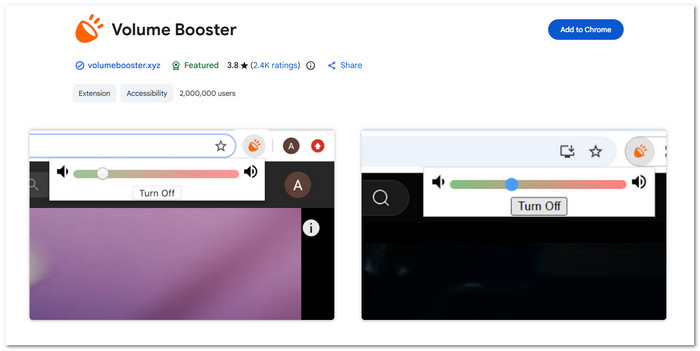
Need your browser louder than its normal limit? This volume booster extension was one of the first tools made to push sound past 100%. It lets you raise audio from any Chrome tab, even up to 1000%. The slider is simple to use, but high levels may cause crackling. It is free and has no ads or malware, and over two million users use it weekly.
- Works on any tab playing audio in Chrome.
- Free to use with no ads or malware.
- Does not collect or sell user data.
- A very big boost may damage speakers or ears.
- Some users report crackling at high levels.
2. Sound Booster
- Supported browser: Google Chrome
- Boost level: Up to 600%
- Safety score: 4.5/5
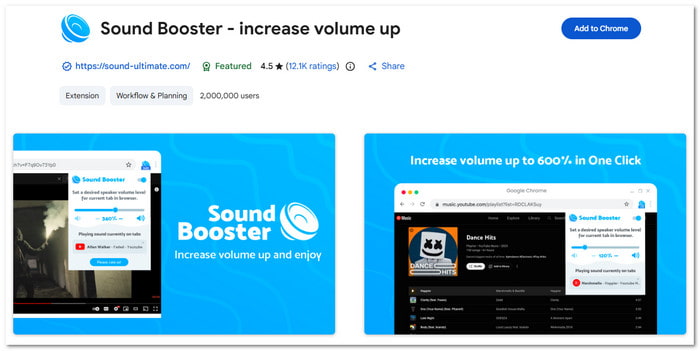
Sound Booster is a volume booster Chrome extension made to raise audio up to 600%. It works on YouTube, Vimeo, Dailymotion, and more. After you install it, just pin it and choose your boost level. It also includes bass boost and an equalizer. The pop-up shows tabs that play sound. It supports many languages and has millions of users.
- Offers bass boost and equalizer features.
- Lets you control volume for each tab.
- Simple toggle button for quick use.
- Works only inside the browser.
- High boost levels may reduce sound quality.
3. Volume Master
- Supported browser: Google Chrome
- Boost level: Up to 600%
- Safety score: 4.8/5
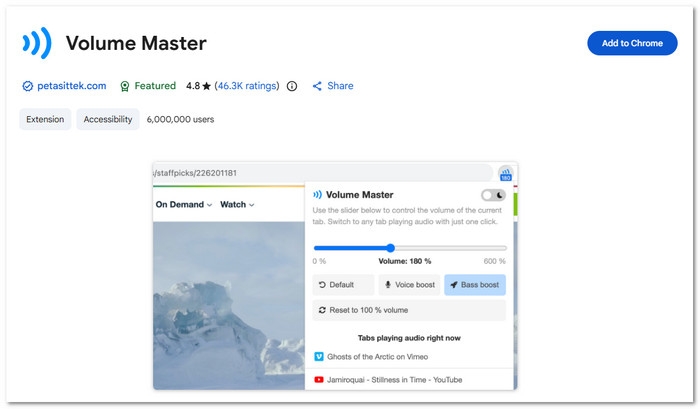
Sometimes, you just want something that works right away. Volume Master is a simple audio booster Chrome with up to a 600% boost. It has over six million users and very high ratings. You can control the sound of any tab and switch between them with one click. It also includes voice boost and bass boost. The design is clean and easy. It is free and has no ads.
- Completely free with no ads.
- Allows fine control from 0% to 600%.
- Includes voice boost for clearer speech.
- Cannot bypass Chrome full-screen limits.
- Only works for browser audio.
4. 600% Sound Volume
- Supported browser: Mozilla Firefox
- Boost level: Up to 600%
- Safety score: 4.5/5
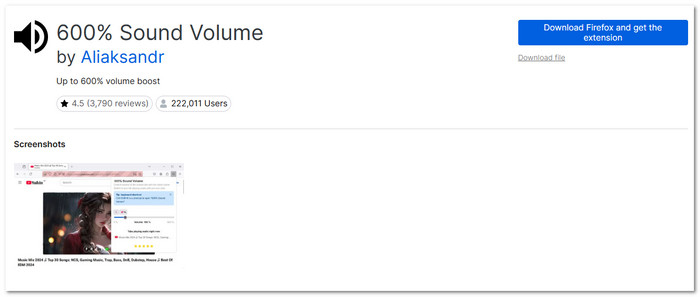
If Firefox videos sound too quiet, this audio booster extension can help. 600% Sound Volume lets you raise the audio to 600% on any web page. It gives you simple controls and quick tab switching. Many users say it works well and is easy to use. It acts like a sound control panel inside Firefox. In some cases, videos may go silent due to browser limits. Reloading the page often fixes it.
- Simple and clean control panel.
- Allows precise sound adjustment.
- Highly rated by many Firefox users.
- Some videos may turn silent due to Firefox limits.
- Needs page reload when a cross-origin error appears.
Part 3. 4 Convenient Audio Boosters on Chrome Extension
1. Volume Booster - Sound Booster
- Supported platform: Android
- Boost level: Up to 200%
- Safety score: 4.9/5
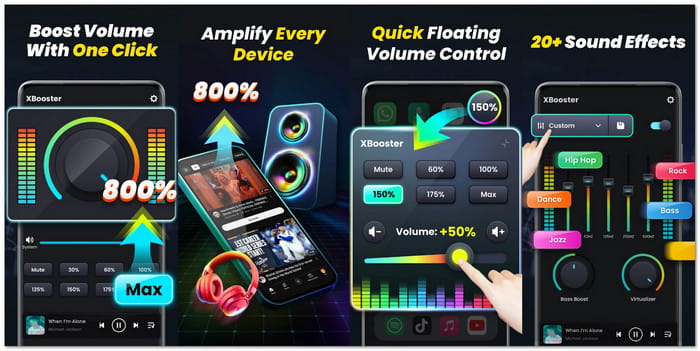
Need your phone louder than its normal limit? XBooster is a popular volume booster app for Android with over 10 million downloads. It can raise the media and system sound up to 200%. You get a 10-band equalizer, bass booster, and 3D virtualizer. It also works with headphones and Bluetooth speakers. This app has a clean design, and no root is needed. It even runs in the background with lock screen control.
- Boosts both media and system sounds.
- Includes 10-band equalizer and bass effects.
- Works with headphones and Bluetooth devices.
- High volume may damage hearing or speakers.
- Some features require in-app purchases.
2. Volume Booster GOODEV
- Supported platform: Android
- Boost level: Moderate to big boost, depending on the device
- Safety score: 4.6/5
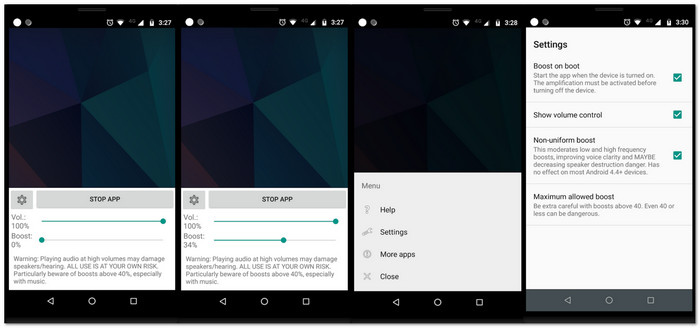
If you want something very small and simple, this audio booster app may fit you. Volume Booster GOODEV focuses only on raising the speaker or headphone sound. It works well for music, movies, and audiobooks. This app is light and easy to use. Just move the slider to increase the boost. It has over 50 million downloads. Still, it is marked as experimental and may not work on all devices.
- Very small and simple design.
- Easy slider control for fast boosting
- A large number of downloads and a long history.
- May not work on some Android devices.
- It can cause distorted sound at high levels.
3. Louder Volume Booster
- Supported platform: iPhone
- Boost level: Up to 1000%
- Safety score: 4.5/5
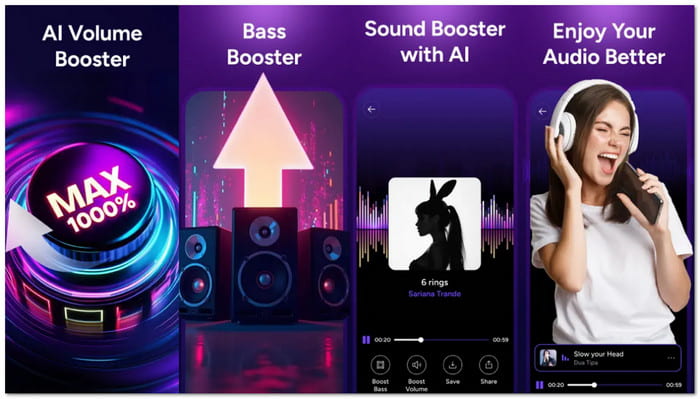
Imagine turning your quiet phone into a mini speaker. This volume booster app claims to raise the sound to 1000%. It works as a speaker booster and headphone booster. You can adjust the bass and use the built-in equalizer tools. The layout is simple so that you can boost sound fast. It is made for music, videos, and calls. This app focuses on loud and clear output for daily use.
- Offers a very high maximum boost level.
- Includes bass control and sound equalizer.
- Simple interface for quick sound changes.
- A very big boost may lower audio quality.
- Risk of speaker or hearing damage at extreme levels.
Part 4. FAQs of Volume Booster
How does a volume booster work?
A volume booster makes your audio louder than normal. It strengthens sound signals and can improve bass or balance. It helps music, videos, and games sound clearer on headphones or speakers.
Are volume boosters legal to use?
Yes, they are legal. But using too high a volume for long periods can hurt your ears or speakers. Always increase sound carefully.
What causes low volume on my device?
Low volume can come from weak speakers, quiet audio files, or system settings. A volume booster fixes this by making the sound louder without losing quality.
Conclusion
Indeed, audio booster tools make your videos and music louder and clearer. Among all the options above, Tipard Video Converter Ultimate is the best choice, especially if you are a desktop user. It works offline and lets you boost volume up to 200% with ease. Plus, it offers extra video and editing tools so you can adjust audio, add effects, and prepare your media for future use.
More Reading
About the Author

 Click here to join the discussion and share your comments
 Tipard Video Converter Ultimate