

When you work with large video files, you need tools that you can trust. This is why many users take a close look at a Blu-ray burner before they buy one. The right pick can give you clean results, fast write speed, and steady performance, while the wrong one can waste both time and discs. In this review, we draw from real tests to show what each option does well and where it may fall short. You will see clear notes on features, value, and ease of use. Now, let us break down what to check and which models stand out.

Part 1. What to Look for in a Blu-ray Burner
1. Internal Blu-ray Burner vs External Blu-ray Burner
An internal drive gives steady speed and a quiet setup inside a desktop tower. It is a good pick if you want strong airflow, firm mounting, and fewer cables. An external Blu-ray burner for PC works better if you need a simple plug-and-play tool, and you can move between devices.
2. Key Specifications:
• Write Speed
Write speed shows how fast the drive can finish a disc. Higher rates help when you handle long videos or large backup files. You can also pair your drive with a trusted Blu-ray burner program to keep performance stable during long write tasks.
• Disc Compatibility
Check if the burner supports BD-R, BD-RE, dual-layer, and high-capacity discs. Good compatibility gives you more room for backups, videos, and project files.
• Connection Type
USB 3.0 or higher reduces bottlenecks and helps maintain smooth transfers. Internal models often use SATA for even steadier performance.
• Buffer Size
Some drives include simple tools, but you may want better software to burn Blu-ray discs for menu design or bigger projects.
With the key features and requirements in mind, you are now ready to explore the best Blu-ray burners. In this next section, we will review the top models, highlighting their performance, reliability, and what makes each one stand out for different users and use cases.
Part 2. Best Blu-ray Burners [Physical]
Below are five standout Blu-ray disc burner options. Each model was chosen for real-world performance, stability, and long-term reliability.
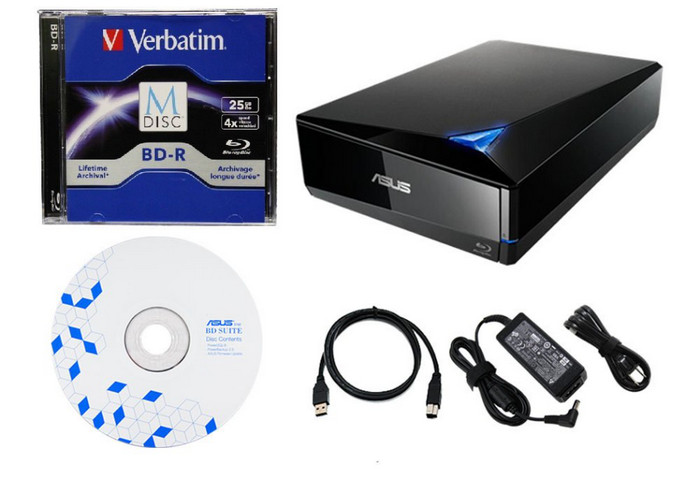
1. ASUS BW-16D1X-U External Blu-ray Burner
The ASUS BW-16D1X-U is one of the fastest external drives available. It supports BDXL for large backups, delivers consistent 16x write speeds, and stays stable during long burns. It is a strong pick for users who work with large video files or need dependable archiving power. Its build quality also holds up well after repeated use.
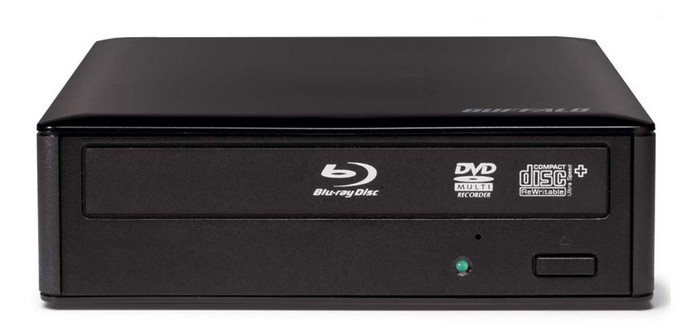
2. Buffalo MediaStation BRXL-16U3 External Blu-ray Burner
BRXL-16U3 has been developed to support heavy workloads. It can easily deal with 100 GB and 128 GB discs due to its effective cooling system and stable USB 3.0 connection. This Blu-ray burner is suitable for the user who requires high-capacity burns without slowdowns. It is also user-friendly because of its packaged software and easy installation.
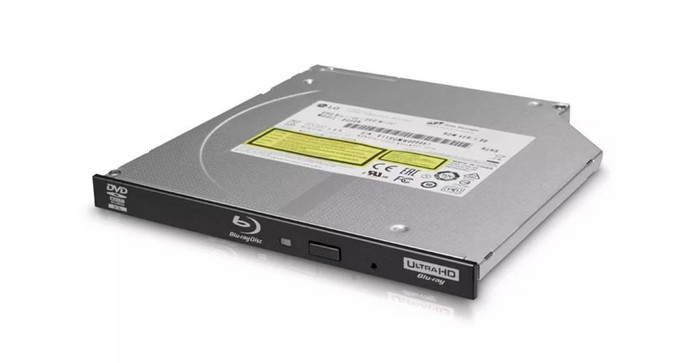
3. LG BU40N Internal Ultra-Slim Blu-ray Writer
The LG BU40N is a compact internal drive that fits well in desktops and slim laptops. It offers clean writing across BD-R, BD-RE, and BDXL media while staying very quiet. Since it is installed inside your system, it performs like a stable workstation tool rather than a plug-in device. A great option for users who want performance without taking up space.
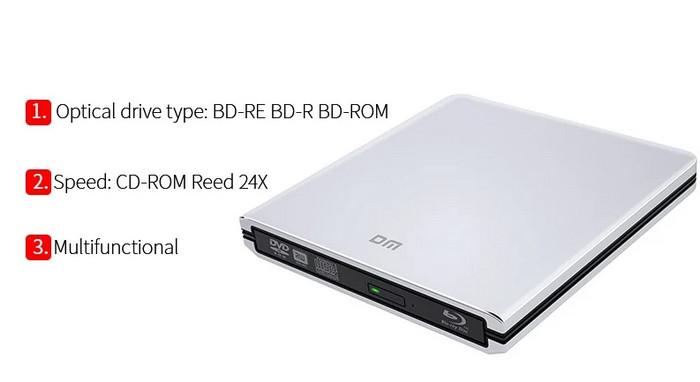
4. DM DR003 Slim External USB Blu-ray Burner
The DM DR003 is a lightweight and portable option for simple, on-the-go burning tasks. It can support the standard BD media, and it is compatible with laptops and desktops. Assuming you require an external Blu-ray burner to do some casual work or minor projects, then this type of drive is a good option and does not have any superfluous features.
5. Verbatim Slimline External USB-C 4K Blu-ray Writer
Verbatim's Slimline drive focuses on reliability and clean results. It boasts of consistent write speeds, excellent error control and a robust shell that does well under travel. The model is a suitable choice for users who require a small external burner that has steady data disc burning and movie authoring output.
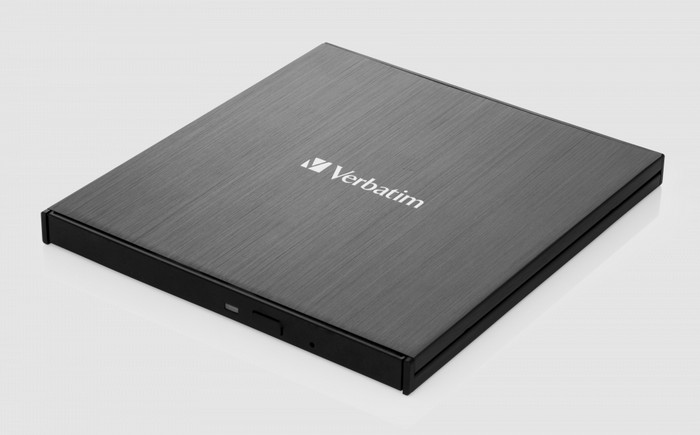
These Blu-ray drives give you speed, reliability, and versatility for any burning task. But the right software is just as important for creating high-quality discs and managing menus. Next, we will look at the top Blu-ray burning software to help you get the best results from your drive.
Part 3. Top Blu-ray Burning Software
When it comes to creating high-quality Blu-ray discs, the right software can make all the difference. Below are four reliable tools tested for performance, ease of use, and compatibility. Each option suits different needs, whether you want full video authoring or simple data burning.
1. Tipard Blu-ray Creator
Tipard Blu-ray Creator is a versatile Blu-ray burner that converts nearly any video format into a Blu-ray disc, folder, or ISO file. It is compatible with MP4, MKV, MOV and others, and allows adding menu, subtitles, audio tracks and simple edits. Crunching of GPUs makes it possible to ensure that it burns faster without compromising quality.

- Supports BD-25 and BD-50 discs
- Customized menu and a variety of audio and subtitles
- Quality production and 5.1 surround sound
- The acceleration of burns with the help of a GPU
- Windows-only
- Full features must have a paid license
2. CDBurnerXP
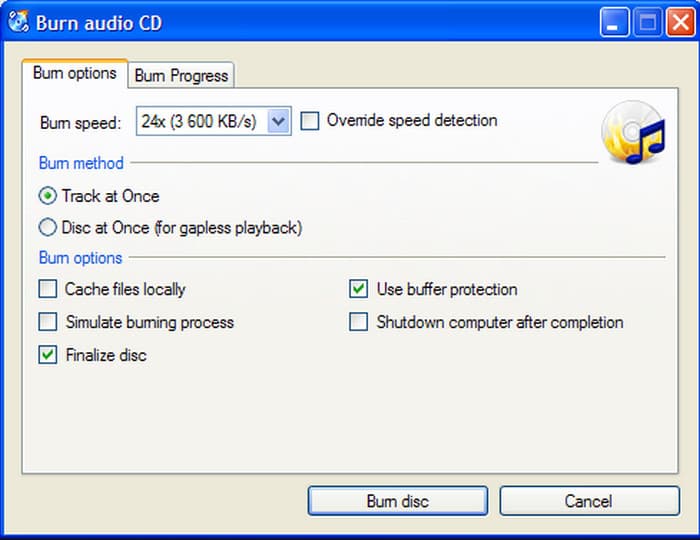
CDBurnerXP is a free, lightweight Blu-ray burner, which can be used for personal and corporate purposes. It enables you to burn data, ISO creator and burner files, and check the integrity of the disc and is, therefore, a good option for burning discs daily.
- Completely free
- Blu-ray, CD, DVD, and ISO burning
- Reliability is guaranteed through data verification
- Portable version available
- The interface is outdated
- Lacks video menu authoring features
- Slow development for new features
3. AnyBurn
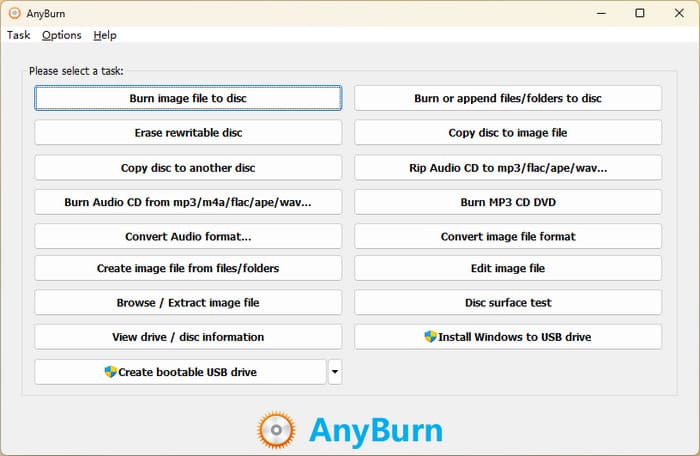
AnyBurn is a reliable best Blu-ray burner program for simple and efficient disc tasks. It contains the burning, imaging and CDs to Blu-ray discs conversion. Bootable USBs may also be created, and ISO images can be dealt with.
- Lightweight and easy to install
- Supports image creation and disc burning
- Freeware with no trial limits
- Works on both 32-bit and 64-bit Windows
- Basic interface, not suited for video authoring
- No menu or navigation options for Blu-ray video
- No built-in video editing
4. ImgBurn
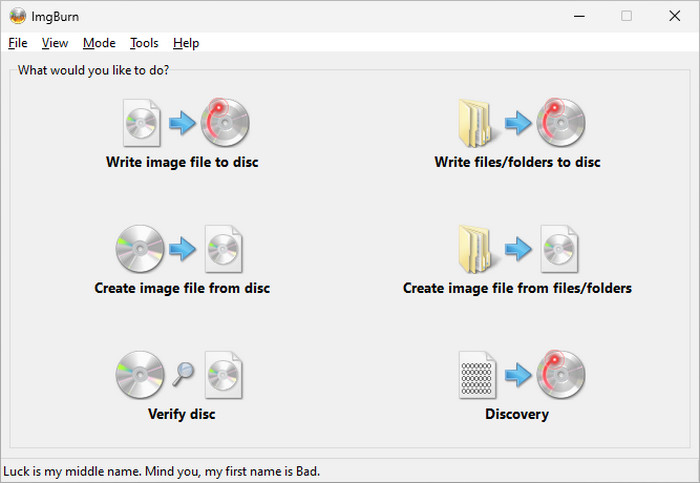
ImgBurn remains a popular Blu-ray burning software for advanced users. It can support several modes such as Read, Write, Build and Verify and numerous image formats. It is portable, and it can easily be configured to burn Blu-ray using ImgBurn tasks perfectly.
- Lightweight and stable
- Advanced settings for layer breaks and write speed
- Can queue multiple images for burning
- Free to use
- The installer may include optional adware
- No video editing or menu creation features
- Not beginner-friendly
Conclusion
Finding a capable Blu-ray disc burner is essential for anyone working with large video files or archiving important data. The drives and software featured here offer stability, speed, and versatility, making them strong choices for both home and professional use.
More Reading
About the Author

 Click here to join the discussion and share your comments
 Tipard Blu-ray Creator