

Not all game recording software is built the same. Some may lag, and others are hard to use. In this guide, we review the top options from hands-on tests. You will learn how each tool works, what makes it simple or powerful, and which suits your setup best. By the end, picking the right software will be easier. Read on to explore the best game recording software and find the one that matches your needs.
Top 1: Tipard Screen Capture
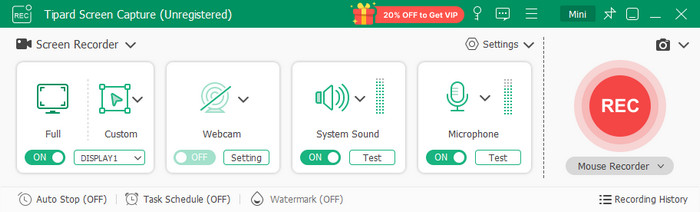
The versatile game recorder that can be used is Tipard Screen Capture, which enables capturing of high-quality gameplay, tutorial, or streaming. It has an affordable combination of features, performance, and usability that cost-effective gamers and content creators can use.
Performance Impact:
Tipard runs smoothly on most systems. CPU and GPU usage are moderate, so that you can record gameplay without noticeable lag, even on mid-range PCs.
Ease of Use:
The interface is easy and user-friendly. Recording only requires a couple of clicks, and features such as resolution, frame rate, and audio sources can be readily changed.
Video Quality and File Size:
Tipard works at a maximum of 4K resolution with effective compression. The videos are clear, and the file sizes are manageable.
Features:
- Full-screen and custom-area recording
- System and microphone audio capture
- Scheduled recording
- Real-time preview
- Basic video trimming and editing
Pricing:
- 1-Month License for 1 PC is $24.00
- Lifetime License for 1 PC is $49.00
- Bundle with Video Converter Ultimate + Screen Capture for Lifetime: US$ 89.00
- Free trial available to test all features before purchasing
Top 2: Bandicam
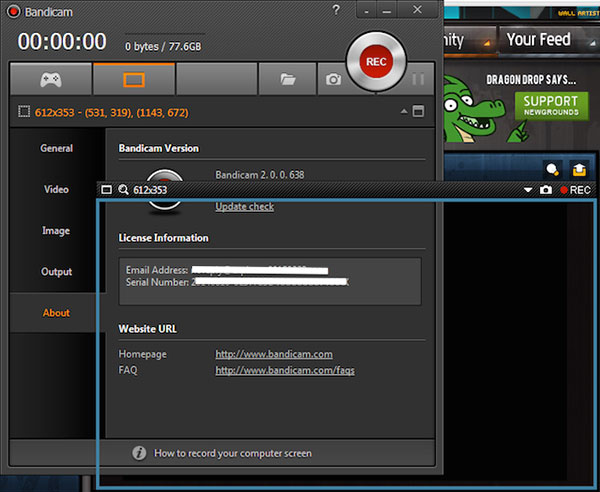
Bandicam is a popular good game recording software for capturing smooth, high-quality gameplay. It works well on most computers and is easy to use for both beginners and gamers. But if you download this on your Mac, the features seem lacking compared to the Windows version.
Features:
- Game recording mode (DirectX/OpenGL)
- Real-time drawing and annotations
- Scheduled recording
- Mouse click effects
- Webcam overlay
Pricing:
- Annual License for 1 PC is $33.26 and lifetime License for 1 PC is $44.96
- 10-minute free recordings with watermark
Top 3: OBS Studio
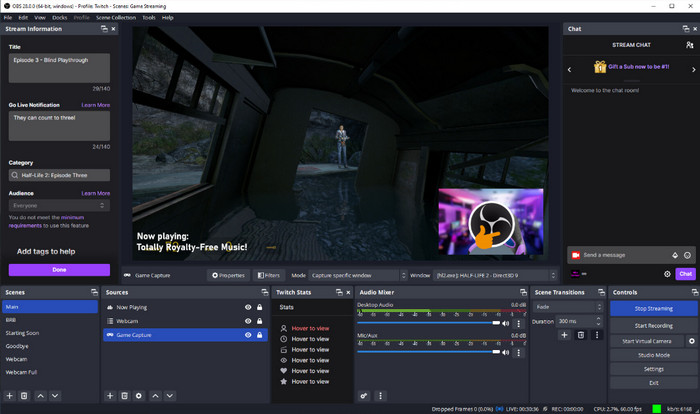
OBS Studio is reputed to be the best game recording software. It is open-source and free and compatible with most computers. Although it has a learning curve, it has powerful functionality and high-quality recording for both the starting user and the advanced users.
Features:
- Unlimited game, webcam, image and browser unlimited scenes and sources
- Studio Mode to view scenes prior to broadcasting
- Audio mixer featuring filters, noise suppression, gain and noise gate
- Hot keys recording, scene and audio control
- Overlay, transition, and alert support as a plug-in
Pricing:
- Completely free, no license or subscription required
Top 4: Xbox Game Bar
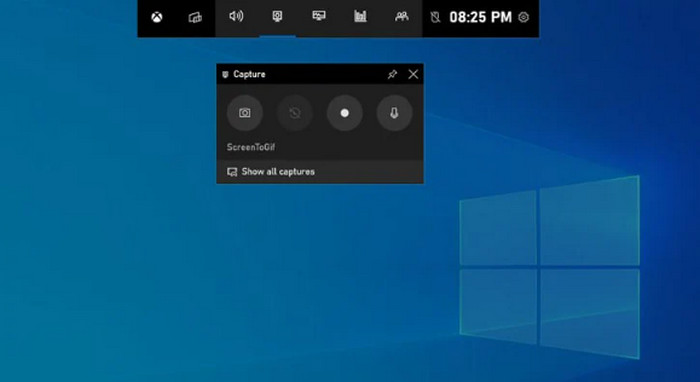
Xbox Game Bar is a built-in PC game recording software for Windows 10 and 11. It is free, always available, and lets you capture gameplay clips, take screenshots, and monitor performance without installing extra programs.
Features:
- Screen and game clip recording
- Performance overlay (FPS, CPU/GPU stats)
- Screenshot capture
- Simple recording shortcuts (Win + Alt + R)
Pricing:
- Completely free, no subscription or license required
Top 5: Action
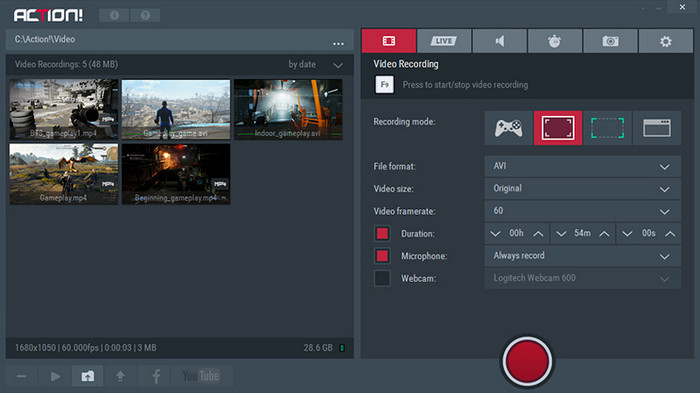
Action! by Mirillis is a reliable video game recording software that offers smooth gameplay capture and live streaming. It is designed for gamers who want high-quality recordings with minimal impact on performance.
Features:
- Record gameplay or desktop in up to 4K
- Time‑Shift mode to capture the last few seconds
- Greenscreen support for webcam overlay
- Live streaming to Twitch, YouTube, and Facebook
Pricing:
- Lifetime license for home use: from $19.77
- Lifetime license for commercial use: from $32.95
- 30-day trial available (with watermark)
Top 6: Nvidia ShadowPlay
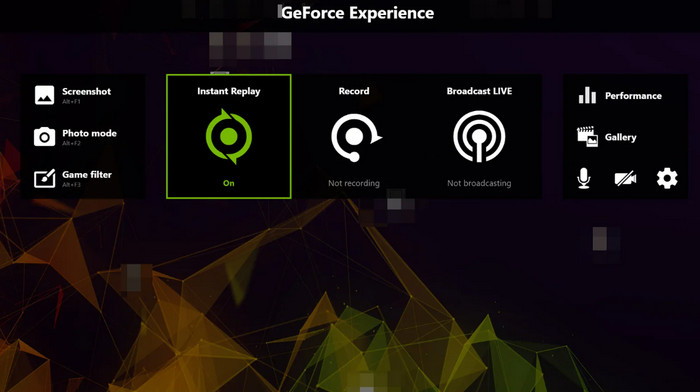
Nvidia ShadowPlay is a free game recorder software that is part of GeForce GPUs through GeForce Experience. It has a quality recording and does not affect your system much, thus being suitable for recreational players.
Features:
- Instant Replay to save the last few minutes of gameplay
- Manual recording up to 8K HDR, depending on the GPU
- Highlights capture for key in-game moments
- Live streaming to Twitch, YouTube, and Facebook
- Screenshot capture and GIF creation
Pricing:
- Completely free for users with Nvidia GeForce GPUs
Top 7: Filmora
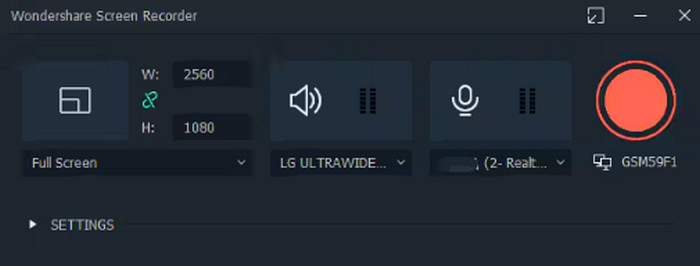
Filmora is an easy-to-use game recording software that can be used by gamers and gaming content creators to easily record and edit gameplay through a simple, all-in-one solution. It is easy to use and at the same time, it has quality features.
Features:
- Record gameplay in high resolution (HD and 4K)
- Webcam overlay support
- Real-time annotations and drawing tools
- Built-in basic video editing
Pricing:
- Monthly subscription is $ 19.99/month
- Annual subscription is $ 39.99/year
- Lifetime license is $69.99
- Free trial available with a watermark on the output
Top 8: Fraqs
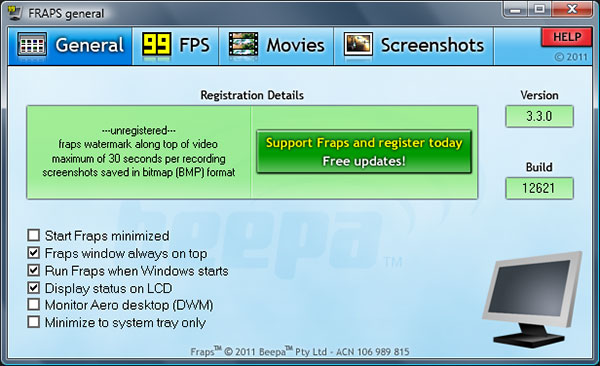
Fraps is a lightweight game recorder that focuses on simplicity and performance. Ideal for gamers who want quick, hassle-free recording without impacting gameplay. Even with that, many users are still searching for Fraps alternatives.
Features:
- Cinematography gameplay in HD with little lag
- User-friendly interface for novices
- Streams audio across various sources
- Simple frame rate and resolution recording arrangements
Pricing:
- Free version available with basic recording
- Premium license: $37.00 for lifetime
Top 9: Camtasia
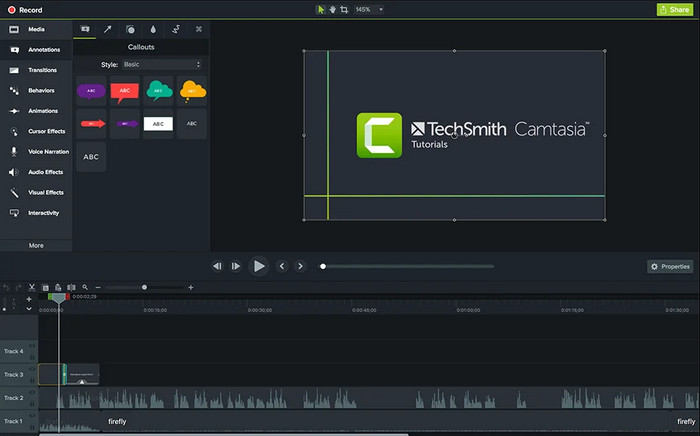
Camtasia is a strong game recording software that is a combination of good gameplay recording and editing software. It is perfect for gamers and video editors who require professional videos without having to use a variety of software.
Features:
- Record gameplay in HD or 4K
- Webcam and audio overlay support
- Built-in video editing with trim, annotations, and transitions
- Screen and full-screen capture
Pricing:
- Starter is $ 39/year and Pro is $ 599/year
- Free trial available with watermark
Top 10: Insights Capture
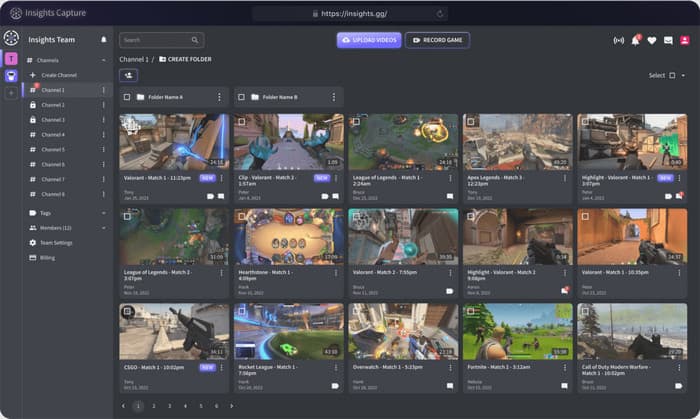
Insights Capture is a good game recording software that is simple and reliable, and requires very little setup to record gameplay. It is efficiency-oriented and user-friendly instead of being feature-rich.
Features:
- Record gameplay in HD
- Streams audio across various sources
- Basic recording settings for frame rate and resolution
Pricing:
- Free version available with limited features
- Silver is $39/monthly, to Diamond $299/monthly
Top 11: Gecata
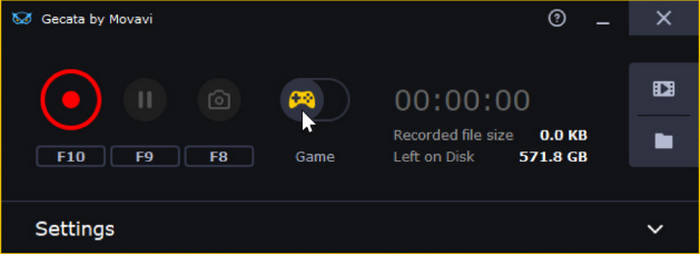
Gecata by Movavi is a free game video recording program that allows you to record games without straining your system a lot. It is user-friendly and ideal for an ordinary player.
Features:
- Record gameplay in HD
- Webcam overlay support
- Multimedia audio recording
- Easy-to-use interface
Pricing:
- Free version available
- Full version: $ 16.99 lifetime
Top 12: ScreenRec
ScreenRec is a lightweight video game recording software that focuses on quick and simple gameplay capture. It is designed for users who want instant sharing and minimal setup.
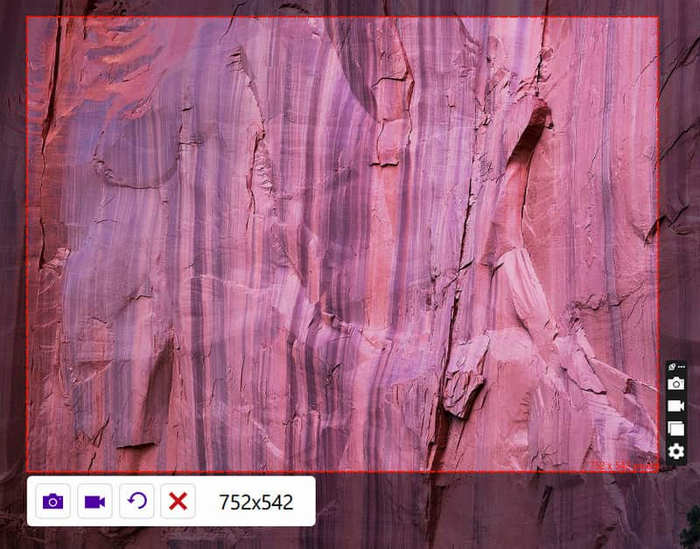
Features:
- Record gameplay in HD
- Instant sharing with link creation
- Allows overlaying webcams and recording of the microphone
- Easy-to-use interface
Pricing:
- Free version available with unlimited recording
- Pro version: $ 4/month
- Premium version: $ 49/month
How to Choose: Final Recommendations
Choosing the right PC game recording software depends on what you need. Free tools like ShadowPlay, Xbox Game Bar, Gecata, and ScreenRec are good for simple recording. Camtasia, Filmora, and Action! are better if you need editing or extra features.
Tipard Screen Capture is a strong choice for most users. It is easy to record and has handy features, and is compatible with most PCs. Consider the quality of videos, convenience, and functionality and choose the software that suits you.
Conclusion
A good game recorder helps capture smooth and clear gameplay without slowing your PC. Free software such as ShadowPlay, Xbox Game Bar, Gecata and ScreenRec are very useful in casual applications, whereas Camtasia, Filmora, and Action! Offer more features. Tipard is a good option for the majority of users as it performs well, has features, and to use.
More Reading
About the Author

 Click here to join the discussion and share your comments
 Tipard Screen Capture