

A reliable FLV player ensures smooth playback, high-quality video, and full control over subtitles, audio, and speed. Understanding the FLV format and choosing a player designed for it can save time and prevent frustration. In this guide, I will explain what FLV files are, review the best desktop and mobile players, and highlight their key features, advantages, and limitations. By the end, you will know exactly which player fits your needs.
Part 1: What Is FLV Format?
FLV is an acronym of Flash Video, a file format that is designed to play video via the internet at high efficiency. It became popular as a video streaming protocol on the internet since it provides a small file size and quick playback. Although it has its strengths, not every media player automatically supports the FLV files. Even a special FLV media player is needed here.
A dedicated player guarantees easy playback, complete compatibility with the format, support of additional features like subtitles, playback rate regulation and quality video display. Knowing about the FLV files makes you select the correct player and watch the videos without problems.
Part 2: Top 5 FLV Players on Windows and Mac
1. Tipard Blu-ray Player
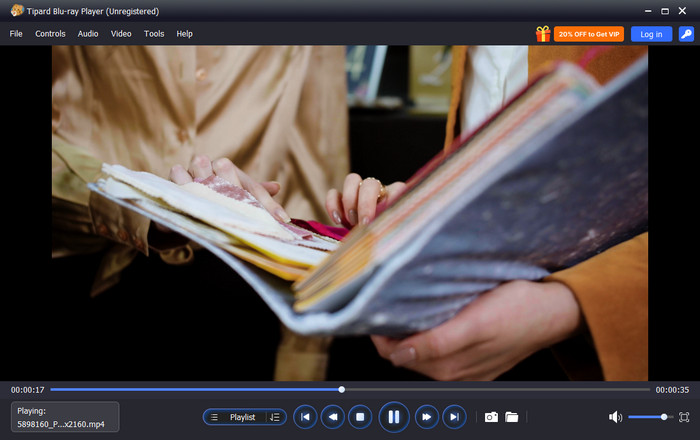
Tipard Blu-ray Player is a professional FLV player software that supports nearly all video formats, including FLV, MP4, MKV, and AVI. It can offer high-definition content playback, and it is capable of smooth and reliable playback, including control of audio, subtitles, and video processing. It has a simple and well-designed interface, thus making it user-friendly to both novices and experts.
Why I Choose It?
The best FLV media player on Mac and Windows is Tipard between Windows and Mac. It guarantees a smooth viewing process with no stuttering and lagging, lets you change audio and subtitle tracks with a single click, and offers one-second video deblurring that makes your pictures sharper. These characteristics render it suitable for users who desire simplicity and professional performance.
- Play FLV videos fluently without stutter or lag
- Easily switch audio and subtitle tracks
- Deinterlace video with one click
- Supports nearly all popular video formats
- Clean and intuitive interface
- Paid software, but a free trial is available
- No built-in online streaming
2. MPC-HC or Media Player Classic - Home Cinema
MPC-HC is a lightweight FLV-media player that plays both FLV files and other popular video formats effectively on Windows. It has a simple interface and is geared towards speed and simplicity, which is why it is best suited to users who do not need additional options in the playback process but require something quick and reliable.

- Very small installation size
- Fast and resource-efficient playback
- Supports keyboard shortcuts for playback
- No built-in streaming or advanced features
- Last update was in 2017
3. PotPlayer
PotPlayer is a versatile .flv player for Windows with advanced playback capabilities. It allows HD and 4K videos, various codecs, and 3D. The users are able to customize subtitles, change the playback speed and change the interface to their preferences.
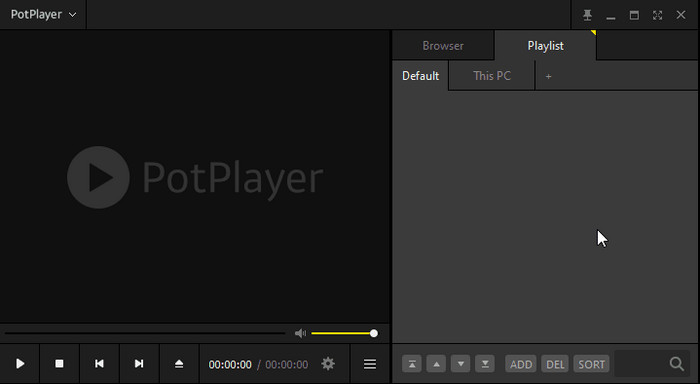
- Supports HD and 4K playback
- The ability to play in 3D and capture the screen
- Extremely personalized interface and subtitle options
- Windows-only
- The installer may include promotional offers
4. KMPlayer
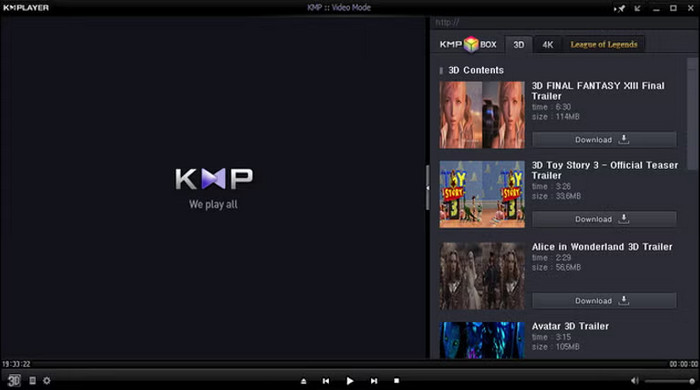
KMPlayer is a feature-rich FLV file player available for Windows and Mac. It allows extensive control over playback, including subtitle support, speed adjustment, and screen capture. This FLV player for Mac has a user-friendly interface, though the free version contains advertisements.
- Extensive playback options and control
- Supports external codec installation
- Intuitive and user-friendly interface
- Free version contains adware
- Limited media organization features
5. GOM Player
GOM Player is a good and free FLV player that can play FLV and a lot of other formats. It also has an inbuilt codecs that can be easily played, subtitles, playlist management and simple video effects. The free version is accompanied by advertisements, but it performs smoothly and is therefore suitable for ordinary users.
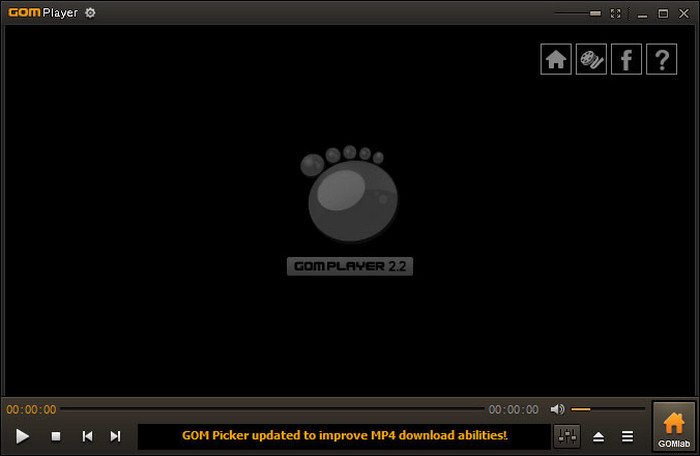
- Built-in codec system for easy playback
- Playlist management
- Supports subtitles and basic video effects
- Ads in the free version
- Limited subtitle customization
Part 3: Top 5 FLV Players on Android and iOS
1. nPlayer
nPlayer is a robust FLV format player for Android and iOS. It is compatible with various formats such as FLV and provides cloud-based, local network and internal storage streaming. Users can customize subtitles, the playback can be adjusted in terms of speed, and the controls can be used to manipulate the volume and brightness via gestures.
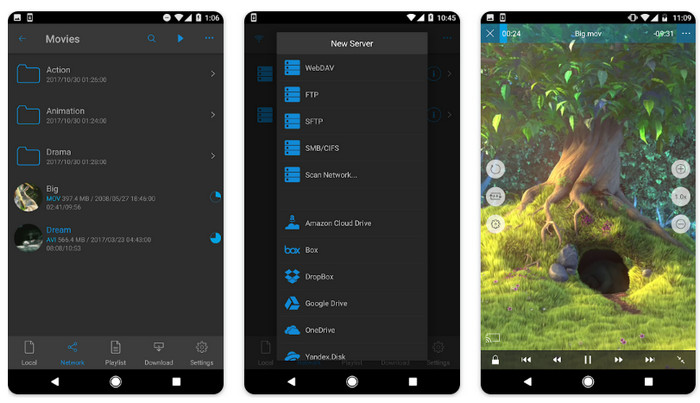
- Allows FLV and numerous other video types
- Subtitle management and playback controls
- Cloud streaming and access to the network
- Paid app for full features
- The interface may feel complex for beginners
2. PLAYit
PLAYit is a versatile FLV video player for Android. It automatically detects FLV files and plays them smoothly. The app supports floating window playback, background play, and gesture-based controls for volume, brightness, and seeking.
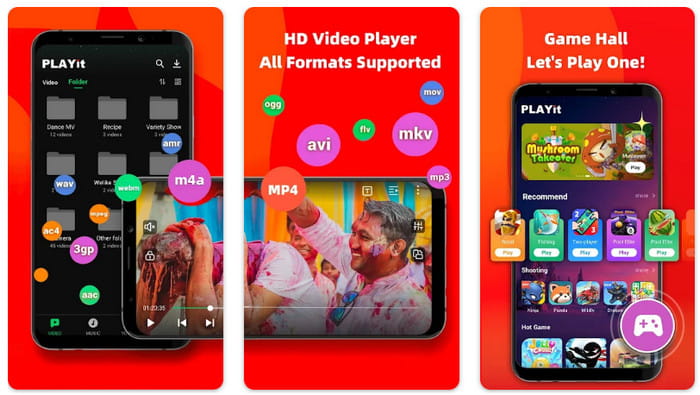
- Auto-detects and plays FLV videos smoothly
- Gesture controls for playback
- Floating window and background play
- Free version contains ads
- Some advanced features require upgrades
3. MX Player
MX Player is a widely used player to play FLV files on Android. It also facilitates multi-core decoding, hardware acceleration and advanced subtitle formats. Gesture controls enable users to regulate the brightness, volume and video position.
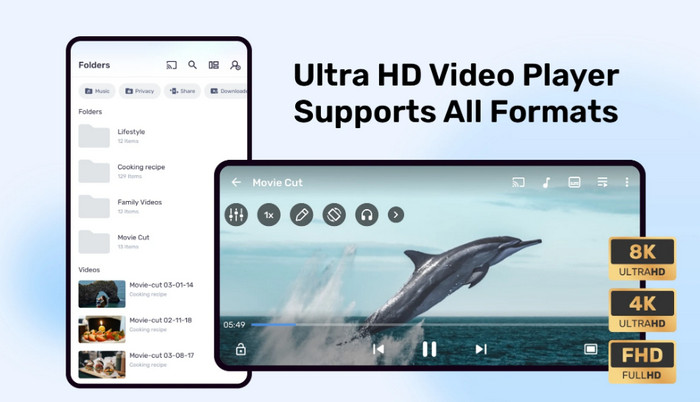
- Hardware acceleration ensures smooth playback
- Subtitle support and gesture controls
- Wide format compatibility
- Free version includes ads
- Some advanced options require the Pro version
4. VLC for Mobile
VLC for Mobile is a free, open-source FLV format video player for Android and iOS. It supports nearly all video formats, including FLV, and provides subtitle support, multiple audio tracks, and network streaming. The interface is simple and user-friendly.
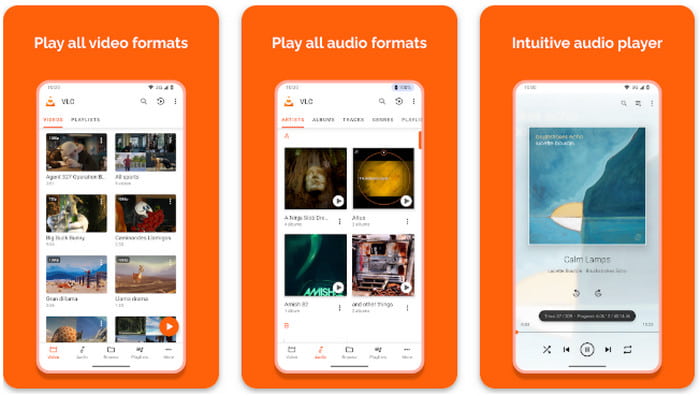
- Supports FLV and almost all other video formats
- Subtitle and audio track customization
- Free and open-source
- The interface may feel basic
- Occasional bugs on older devices
5. ALLPlayer Mobile
ALLPlayer Mobile is a cross-platform player that is compatible with both Android and iOS. It supports the playback of FLV, subtitle integration, playlist management, and video accelerated by hardware, providing the same experience on multiple devices.
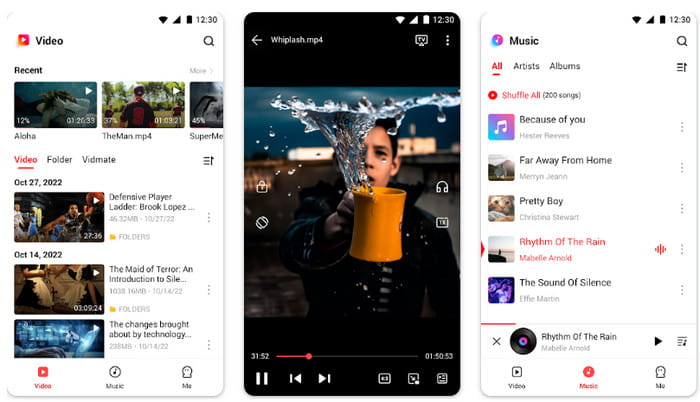
- FLV and other formats cross-platform support
- Subtitle support and smooth playback
- Management of playlists involved
- Certain characteristics involve account setup
- The interface is classic rather than contemporary
Part 4: FAQs of FLV Player
1.Is FLV still used today?
Yep, FLV has not been abandoned; however, it is primarily applied to older videos and archives. Most of the modern platforms currently favor MP4 or other video formats due to their high level of support and ease of streaming. FLV files are not very popular yet can also be played using the appropriate FLV player.
2.Can I convert FLV to MP4?
Yes, video converters or media software can be used to convert FLV files to MP4 files. The conversion can be used to enable the videos to be compatible across additional devices and platforms. Some tools can be converted in batches in order to save time.
3.Does YouTube accept FLV files?
No, YouTube is no longer accepting FLV files. Before uploading videos on the site, you have to encode FLV videos to uploadable formats such as MP4. Most converters are able to take VOB to FLV or FLV to MP4 conversions, so there is more choice when converting videos for online usage.
Conclusion
Choosing the right FLV player makes watching videos easier and smoother. For Mac users, a good FLV player ensures compatibility and high-quality playback. With the tools in this guide, you can enjoy FLV videos on Windows, Mac, Android, and iOS without hassle.
More Reading


About the Author

 Click here to join the discussion and share your comments
 Tipard Blu-ray Player