

HD video provides a high level of detail and color saturation, which cannot be seen in SD. Formats such as MKV and AVCHD need accurate decoding; otherwise, the playback will stutter, lag, and/or lose audio synchronization. A stable HD video player guarantees efficient output on both Windows and Mac, up to 8K in a range of 720p to 8K. In this guide, the author illuminates the best players to watch, features that must be taken into account, and questions that must not be left unanswered in order to have a smooth viewing time.

Part 1. Top 7 HD Video Players on Windows, Mac, iOS, and Android
1. Tipard Blu-ray Player
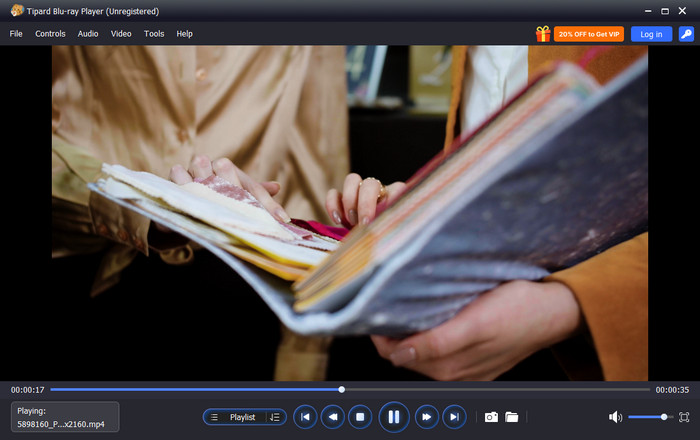
Tipard Blu-ray Player is a reliable HD player that handles HD and 4K videos with smooth, stutter-free playback. It works with most of the well-known video types, as well as including hardware acceleration to decrease the lag with large files. The user-friendly interface offers ease in management of playlists, subtitles and audio tracks and is convenient to both the average observer and the advanced user.
Why We Select It
The reason behind the choice of Tipard Blu-ray Player is its versatility and broad format compatibility. Employing GPU acceleration guarantees a seamless playback of HD and 4K videos, whereas the ability to customize the interface eases the administration of the playlist, subtitles, and audio. Its stable operation makes it one of the best HD video player apps.
- Multi-video HD, 4K and 8K playback
- GPU acceleration decreases lag and CPU usage
- Plays almost any video format like MKV, MP4, AVCHD, and Blu-ray
- User-friendly interface, playlist and subtitle control
- Fix audio and video out of sync issues
- The interface can be more stylish
2. PotPlayer
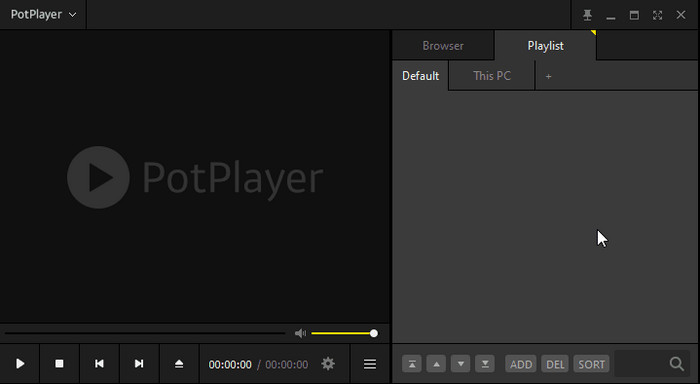
PotPlayer is a lightweight video player for HD videos that delivers smooth playback for HD and 4K content. It is compatible with a broad set of formats, has extensive playback experience, and can use a graphics card to execute its functions in Windows with zero lag.
- Free to use
- Supports HD, 4K, and 8K videos
- Wide format and codec support
- Advanced playback options and subtitle management
- Windows-only
- The interface may feel complex for beginners
Result After Testing
PotPlayer played large HD and 4K videos smoothly with no lag. Switching subtitles and audio tracks was fast.
3. KMPlayer
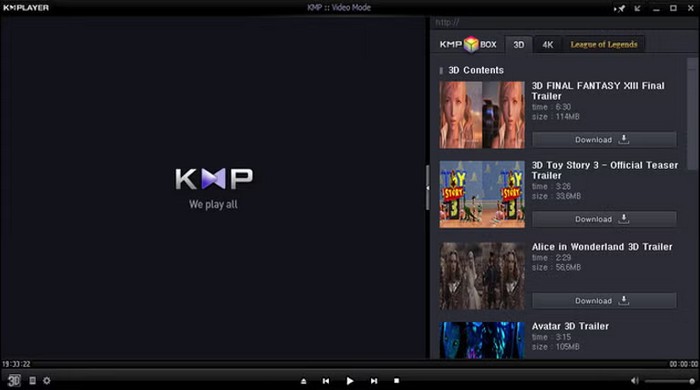
KMPlayer is an intuitive HD video movie player that supports HD and 4K videos with minimal lag. Its powerful codec support allows smooth playback for MKV, MP4, and other high-resolution files on multiple platforms.
- Supports HD, 4K, and 8K video playback
- Customizable interface and skin support
- Wide codec compatibility
- Subtitle management
- Contains ads in the free version
- Occasional stability issues with large files
Result After Testing
KMPlayer played HD and 4K videos smoothly. Switching between subtitles and audio tracks worked well.
4. GOM Player
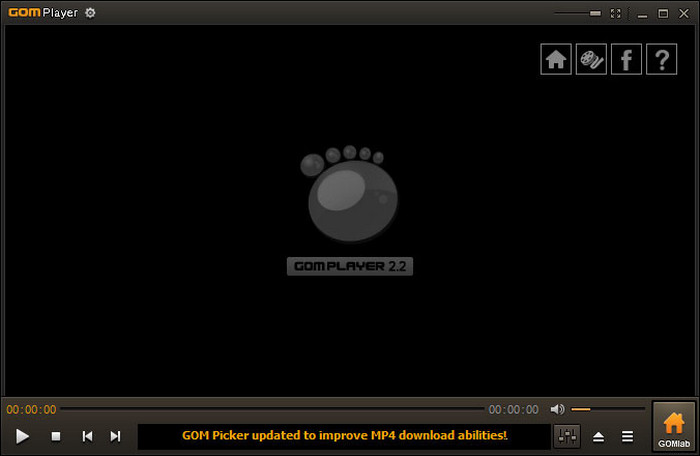
GOM Player is a reliable full HD player video that can give smooth playback and flexible subtitle choices. It supports the majority of popular formats and offers a convenient interface to organize the playlists and video settings.
- Free version available
- Supports a wide range of formats
- Subtitle and playlist management
- Lightweight and stable
- Some advanced features require a paid version
- Ads are present in the free version
Result After Testing
GOM Player had HD and full HD videos that did not lag. Audio and video remained on track.
5. MX Player
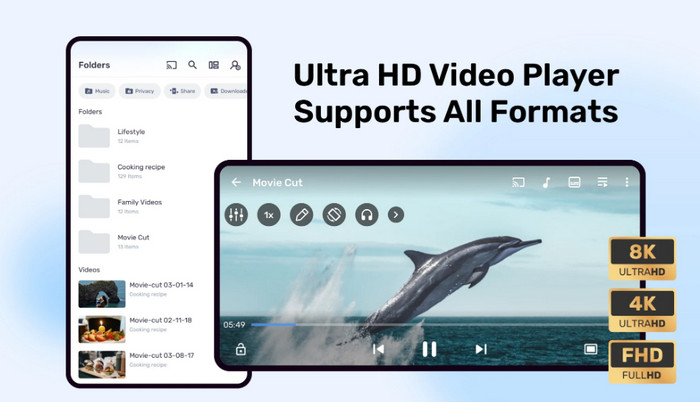
MX Player is a popular MX player full HD video app for Android, which gives smooth playback and hardware acceleration as well as support for subtitles. It is optimized to support mobile devices and gives a consistent performance of HD with all formats.
- Excellent hardware acceleration
- Multi-core decoding support
- Wide format and subtitle support
- Mobile-friendly interface
- Free version contains ads
- The Pro version is necessary to have advanced features
Result After Testing
MX Player played HD and 4K videos smoothly on Android devices. Subtitles displayed correctly.
6. Media Player Classic - Home Cinema
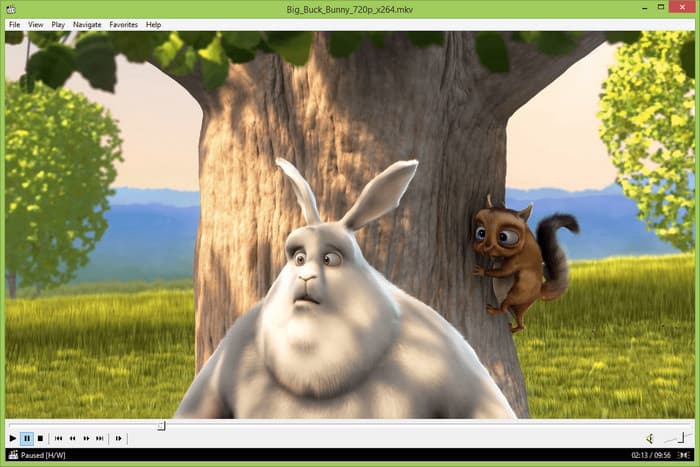
Media Player Classic - Home Cinema is a light HD video player apk free media player for Windows that delivers simple, fast playback for HD and 4K videos. It uses internal codecs and hardware acceleration to keep playback smooth even on older machines.
- Free and open source
- Lightweight and efficient
- Built-in codec support
- Smooth HD and 4K playback
- Windows-only
- Interface looks dated
Result After Testing
Played HD and 4K videos smoothly with no lag. Controls were simple and responsive.
7. Just (Video) Player
Just (Video) Player is a reliable HD video player download option on Android that aims at clean playback with few advertisements and easy performance. It favours the standard formats and maintains the stability of video playback on phones and tablets.
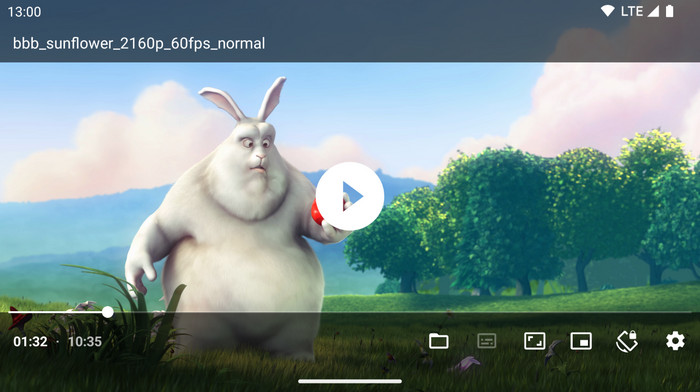
- Clean, minimal interface
- Android playback of Smooth HD
- Supports common formats
- Fewer advertisements than most free gamers
- Limited advanced features
- The playlist tools would be more powerful
Result After Testing
Ran HD videos smoothly with quick start times and no noticeable lag. Subtitles worked well for the tested files.
Part 2. How to Choose an HD Video Player - Key Features to Consider
Finding the right HD video player app can make a big difference when watching HD or 4K videos. The most suitable apps play without problems, accommodate most formats and maintain audio and video synchronization. Learning its main characteristics will assist in choosing a player that will be comfortable with your device and provide the highest quality viewing experience.
1. Format Support
A good HD player should handle popular formats like MP4, MKV, AVI, and AVCHD. Broad format support ensures you can play almost any video without installing extra codecs.
2. HD and 4K Playback
Make sure that the player supports HD and 4K resolution. It also has the advantage of being accelerated by a graphics card, which makes it less laggy and maintains a smooth playback on large files with high bit rates.
3. Audio and Subtitle Features
Multitask audio tracks and higher subtitle options can be used to improve the viewing process. Synchronization, customization of fonts, and the ability to adjust the time of the subtitles are useful in movies and multilingual content.
4. User Interface and Customization
It is easier to navigate with the help of a clean, intuitive interface. There are customizable features such as playlists, skins and toolbar configurations that allow personalization without blocking controls.
5. Device Compatibility
Select a player that is compatible with your favorite devices. There are desktop-optimized apps and mobile apps. Cross-platform support means that you will get a similar experience on any device.
6. Performance and Stability
Ability to playback without crashes, stutter, or audio-video sync problems. Players that are efficient in managing system resources and take advantage of hardware acceleration have smooth performances.
7. Extra Features
Other apps have added features such as video streaming, snapshot capture or superior playlist controls. These features are not mandatory, but they can help you make the viewing process more comfortable and enjoyable.
Part 3. FAQs of HD Video Converter
1. Which player is best for HD video?
The best player depends on your needs because apps like Tipard Blu-ray Player or KMPlayer handle HD and 4K smoothly. They also manage HD vs. SD content well, making high-resolution videos look sharper and play without stutter.
2. Is a 4K video player free?
Yes, some 4K players like PotPlayer, GOM Player, and MX Player are free. They can play 4K videos smoothly, though paid apps may offer extra features like GPU acceleration or advanced subtitle options.
3. Is it worth buying a 4K player?
Buying a 4K player can be worth it if you watch a lot of HD or 4K videos. Paid players often support what is HDR, giving better colors and brightness, and provide smoother playback for large files.
Conclusion
A top video player for HD videos is essential if you want smooth playback and the best quality when watching HD or 4K content. The right player ensures videos run without stutter, maintains audio and video sync, and supports a wide range of formats. Choosing the reliable one truly improves your viewing experience on any device of your choice.
More Reading




About the Author

 Click here to join the discussion and share your comments
 Tipard Blu-ray Player