

Windows Media Player works for basic playback but cannot handle all file formats or HD content. A Windows Media Player alternative can improve compatibility, performance, and usability. In this review, we explore nine of the best players for Windows and Mac, detailing features, pros, cons, and platform support for each option.

Part 1: What Is Windows Media Player?
Windows Media Player refers to an in-built media player in Windows computers to enable users to listen to audio, watch video and also view images. It plays such popular formats as MP3, WMV and AVI, and provides such simple features as playlists, libraries and just media management.
Although it is effective in casual playback, it does not support more modern video formats, high-definition content and more advanced features such as Blu-ray playback or subtitle management. Due to these shortcomings, a number of users are in need of an alternative to Windows Media Player that would allow wider format compatibility, better performance, and better media manipulation.
Part 2: 9 Best Windows Media Player Players on Windows and Mac
Where is Windows Media Player? Well, you can press the Windows button on your keyboard to search for it on your PC. If the video you play does not do its work, then you need to use these alternatives.
1. Tipard Blu-ray Player
Tipard Blu-ray Player is a good alternative to Windows Media Player, which provides more formats and a disc player in a single utility. It is distinguished by the ability to play most types of video files, the presence of a flexible playlist system that allows the management of the media files and the ability to play Blu-ray and DVD without any supplementary programs. The playback is easily achievable, the menus are not complicated, and the player supports high-quality videos without any delays, so it is a convenient option to use in everyday life.
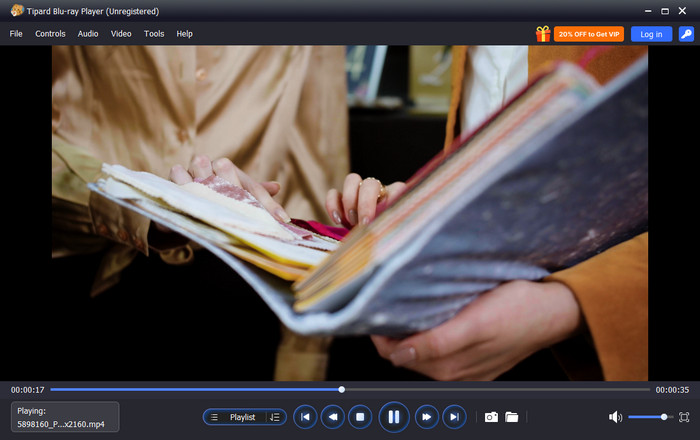
- Smooth, high-quality playback for SWF and other media
- Supports multiple audio and subtitle tracks
- Easy-to-navigate, user-friendly interface
- Works on both Windows and Mac
- Paid software, although a trial version is available
Best Use For:
Users with a local file and disc playback requirement with simple controls.
Platform Supported:
- Windows and Mac
2. VLC Media Player
VLC Media Player is a favored alternative to WMP, which can play the majority of audio and video files without additional codecs. It is also free, stable, and it is effective in daily playback, but its interface is simple than opposed of the current player.
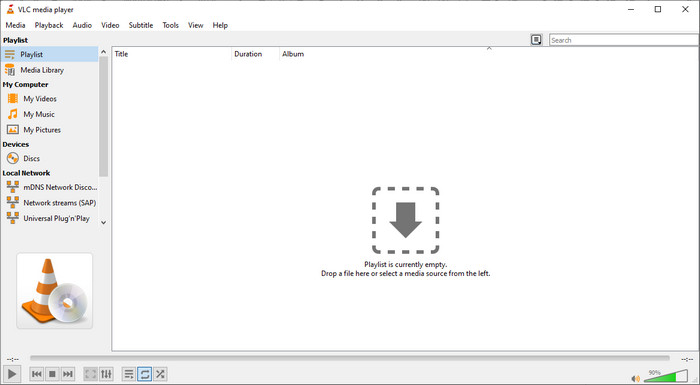
- Free and open source
- Plays most formats
- No codec installation required
- Outdated interface
- Limited media organization
Best Used For:
Users wishing to have a free and trusted player for ordinary media files.
Platform Supported:
- Windows, Mac, Linux
3. PotPlayer
One of the strongest Windows Media Player alternatives that exists is PotPlayer, which has smooth playback and extensive customization capabilities. It works well with good-quality videos, but it might be complicated for new users.

- Smooth performance
- Highly customizable
- Supports many formats
- Complex interface
- Windows only
Best Used For:
Advanced users who want detailed control over playback settings.
Platform Supported:
- Windows
4. GOM Player
GOM Player works as an alternative media player for Windows with built-in codec support and strong subtitle features. It is easy to use, though ads appear in the free version.

- Built-in subtitle support
- Wide format compatibility
- Easy setup
- Ads in the free version
- Some features require an upgrade
Best Used For:
Users who often watch videos with subtitles.
Platform Supported:
- Windows and Mac
5. KMPlayer
KMPlayer is often considered among alternatives to Windows Media Player for music and video, thanks to its wide format support and advanced playback controls. The interface is feature-rich but can feel crowded. So, when Windows Media Player cannot play a video, then this is a smart solution to use.

- Supports many audio and video formats
- High-quality playback
- Advanced controls
- Ads in the free version
- Busy interface
Best Used For:
Users who want detailed audio and video playback options.
Platform Supported:
- Windows and Mac
6. Elmedia Player
Elmedia Player is a powerful best alternative to Windows Media Player among Mac users who desire smooth playing and a clean interface. It has numerous formats, just that the advanced features are only unrestricted in the paid version.
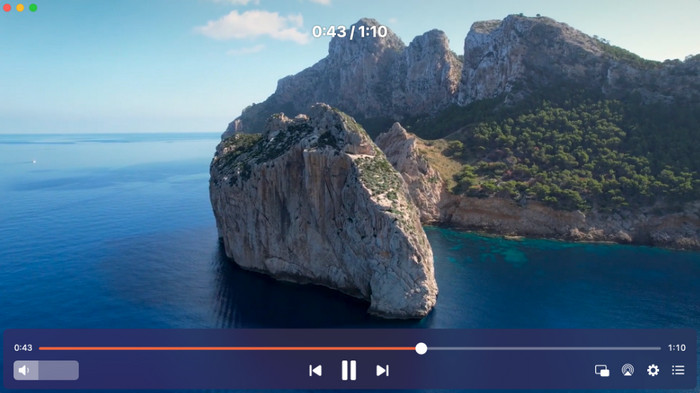
- Clean and modern interface
- Smooth performance
- Good format support
- Mac only
- Paid version needed for full features
Best Used For:
Mac users who want a polished media player.
Platform Supported:
- Mac
7. Kodi
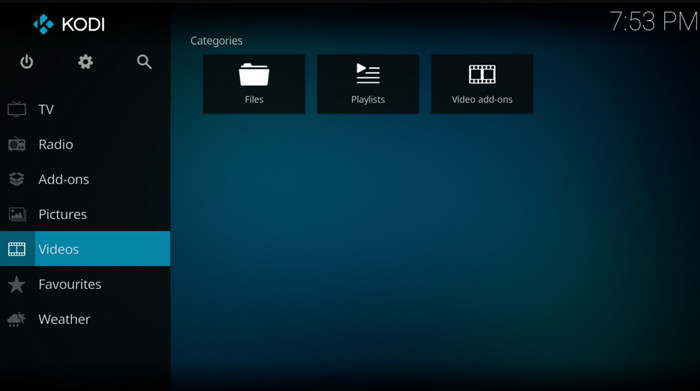
Kodi is a favored alternative to Windows Media Player for users who want more than basic media playback. It can play audio, video and images of local files or on the home network. Kodi is also useful for entertainment in the home as it is available with streaming and TV capabilities through add-ons. The interface and configuration, however, are not user-friendly to persons new to it.
- Good for movies and TV shows
- Supports many media formats
- Works on many devices
- Not easy to set up
- Few simple playback controls
Best Used For:
Users who want a home media center instead of a basic video player.
Platform Supported:
- Windows and Mac
- Android and iOS
8. 5KPlayer
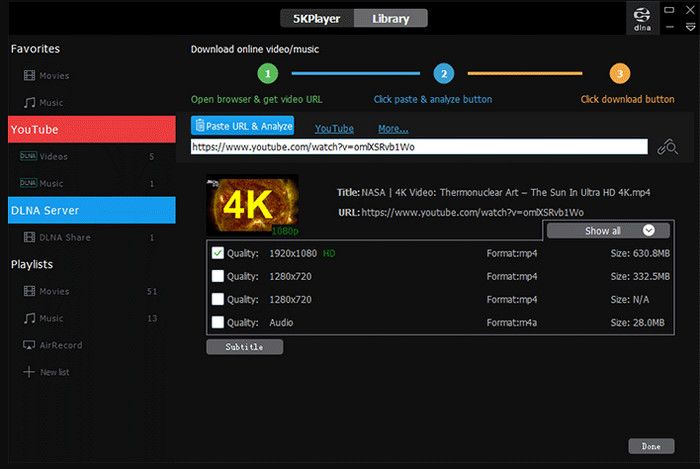
The best free alternatives to Windows Media Player are frequently quoted as 5KPlayer since it supports high-resolution playback and has streaming options. It is suitable for both local and online media, but the interface may be too dense.
- Free to use
- Supports HD and 4K videos
- Streaming features included
- Interface feels busy
- Occasional performance issues
Best Used For:
Users who want free playback with streaming support.
Platform Supported:
- Windows and Mac
9. Plex Media Player
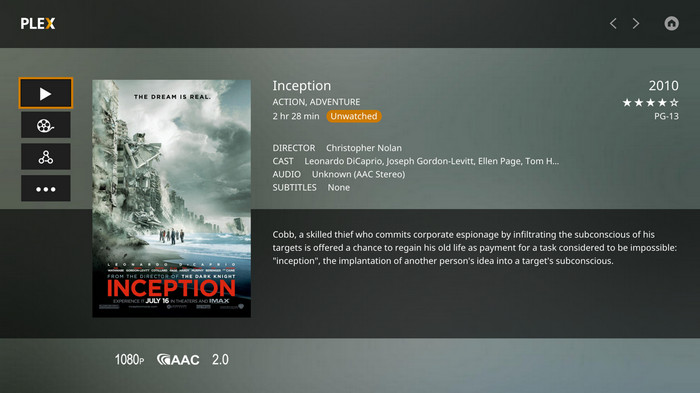
Plex Media Player is a strong media player alternative for Windows 11 users to choose for organizing and streaming large media libraries. It focuses more on media management than simple playback.
- Excellent media organization
- Stream across devices
- Clean design
- Requires setup
- Not ideal for quick playback
Best Used For:
Users who want to manage and stream personal media collections.
Platform Supported:
- Windows and Mac
Part 3: Comparison of the 9 Windows Media Player Alternatives
Windows Media Player works, but it cannot play all videos or music formats. A Windows 10 Media Player alternative gives more features. The chart below shows the nine top options.
| Features | Mac Support | Blu-ray and DVD Player | Beginner Friendly | Customization | Screenshot Feature |
|---|---|---|---|---|---|
| Tipard Blu-ray Player | Yes | Yes | Yes | High | Yes |
| VLC Media Player | Yes | No | Yes | Low | Yes |
| PotPlayer | No | No | No | Medium | Yes |
| Kodi | Yes | No | No | Medium | Yes |
| GOM Player | Yes | No | Yes | Medium | No |
| KMPlayer | Yes | No | No | Medium | Yes |
| Elmedia Player | Yes | No | Yes | Medium | No |
| 5KPlayer | Yes | No | Yes | Medium | Yes |
| Plex Media Player | Yes | No | Yes | Low | No |
| Show MoreShow Less | |||||
Conclusion
Finding the right player can improve how you watch videos and listen to music. If you are looking for what is the best alternative to Windows Media Player, options like Tipard Blu-ray Player, VLC, and Kodi offer more features, better format support, and smoother playback. Choose the one that fits your needs and platform.
More Reading




About the Author

 Click here to join the discussion and share your comments
 Tipard Blu-ray Player