

WMA is arguably better than MP3 for storing audio content due to its high compression while maintaining the high-quality, and is suitable for Windows. With that being said, many users rely on it, and some default media players are unable to recognize it due to its encoding. Sometimes, the full potential of the format is not unleashed because a specific WMA player is needed to do so. If you are searching for one, then this is the article for you.

Part 1. What Is WMA Format?
WMA or Windows Media Audio is an audio file format that Microsoft created. Originally, it was a lossy compression format to compete with MP3 and has been extensively used in music playback and online streaming systems, especially under the Windows platform.
Microsoft eventually extended WMA to a number of sub-formats, and each of them is meant to be used in accordance with the needs of the audio:
- WMA Standard - This is a lossy format, which provides a compromise between file size and audio quality, often used as a general music player.
- WMA Pro - A lossy codec that allows higher bitrates, multiple channel audio and higher sound resolution in order to achieve better audio performance.
- WMA Lossless - This is a lossless compression type of compression format that minimizes the size of the files without compromising the original quality of the audio files.
- WMA Voice - A lossy format optimized for voice recordings, such as speech, podcasts, and audiobooks.
Besides the audio type formats, Microsoft also came up with Windows Media Video WMV which serves the purpose of video files as well, with a similar naming system. Altogether, the most significant features of WMA are well-integrated with Windows and Windows Media Player, which provide users with unrestricted access to music, high-end audio, and voice-centered applications.
Part 2. Top 7 WMA Music Players on Desktop and Mobile
1. Tipard Blu-ray Player
Tipard Blu-ray Player is a powerful media player that permits users to easily learn how to play WMA files on Mac or Windows. It supports WMA audio files of any bitrate, providing smooth playback and the best audio quality. The program is also easy to use with a playlist feature, and one can easily manage and arrange various audio tracks.
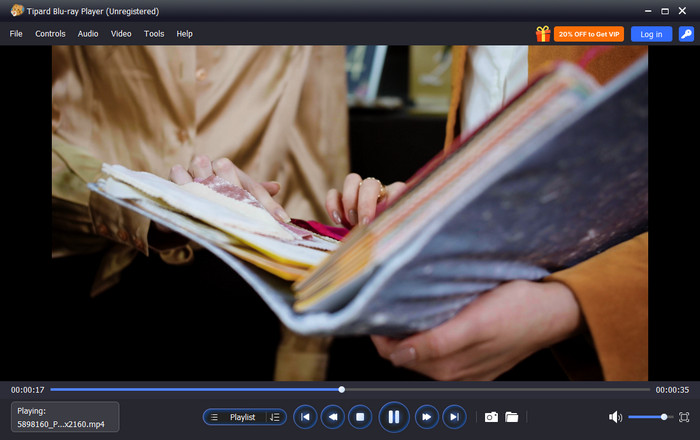
Platform Supported: Windows and macOS
Key Features:
- Play WMA files at any bitrate with high-quality sound
- User-friendly playlist management for organizing music
- Plays a mixture of audio and video files
- Plays Blu-ray, DVD, and HD video files
- Customizable audio settings for optimal listening
- Exceptional audio quality for WMA and other formats
- Smooth playback across different bitrates
- Easy-to-use playlist and interface
- Works on both Mac and Windows
- Paid software, since the free trial available has limited features
2. VLC Media Player
VLC Media Player is a gratis and open-source WMA player that is known for its versatility. It handles virtually all audio and video formats, making it an excellent choice for users who want a lightweight, reliable player with no cost involved.
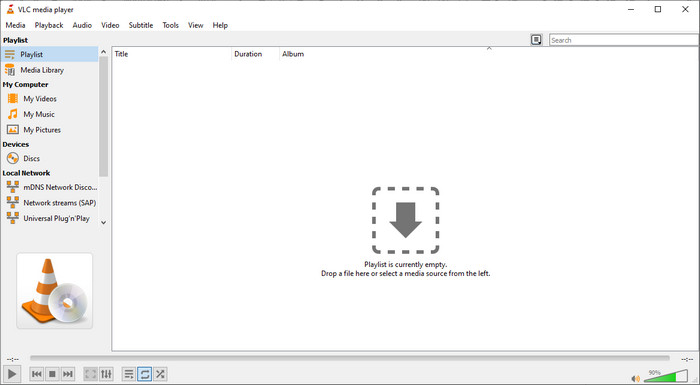
Platform Supported: Windows, macOS, Linux, Android, and iOS
- Completely free and open-source
- Plays almost any audio/video format, including WMA
- Simple, lightweight, and stable
- Supports playlists and basic audio controls
- The interface is basic and not very refined
- Poor advanced music library functionality
3. Windows Media Player
Windows Media Player is a classic Microsoft WMA format player for Android alternatives on desktop, offering seamless integration with Windows systems. It provides consistent WMA playback and easy-to-use controls on the playlists and library.
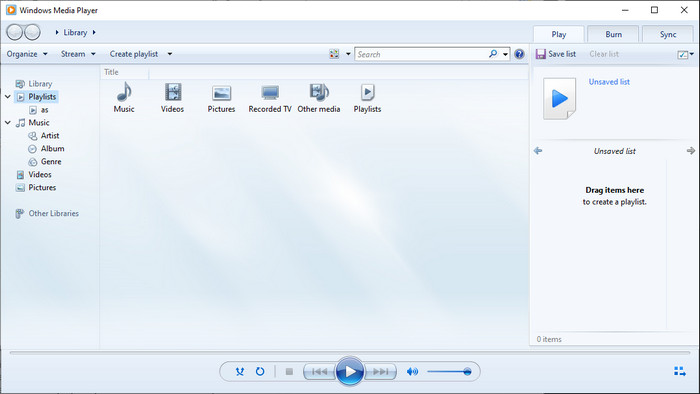
Platform Supported: Windows
- Included in Windows and requires no installation
- Built in support of WMA and other Windows Media
- User-friendly interface for new users
- Only available on Windows
- Lacks advanced audio features or a modern interface
4. Foobar2000
Foobar2000 is a highly customizable WMA player for Android phones alternative on desktop. It is portable, has a high-fidelity sound and can be customized through modular functionalities whereby an advanced user can create a custom listening experience.
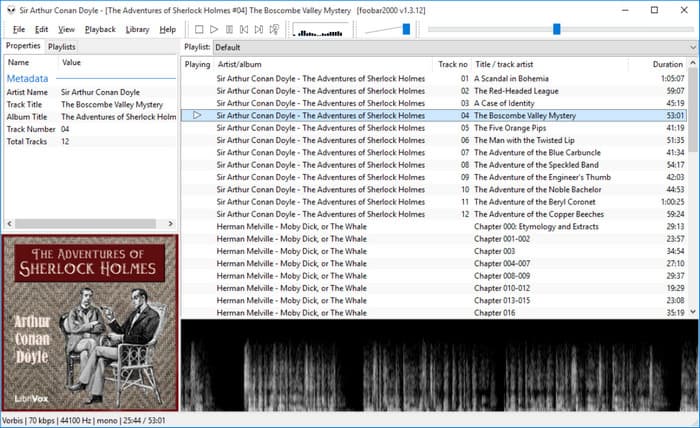
Platform Supported: Windows, macOS beta, Android via third-party builds
- Extremely lightweight and fast
- High-quality playback of WMA and other formats
- Fully customizable interface and functionality
- A higher learning curve for beginners.
- Some features need to be plugged in
5. Winamp
Winamp is a WMA player that is both nostalgic and useful at the same time. It supports WMA and other mainstream formats, includes playlists, equalizers and features a light experience that will appeal to the casual and long-time users.
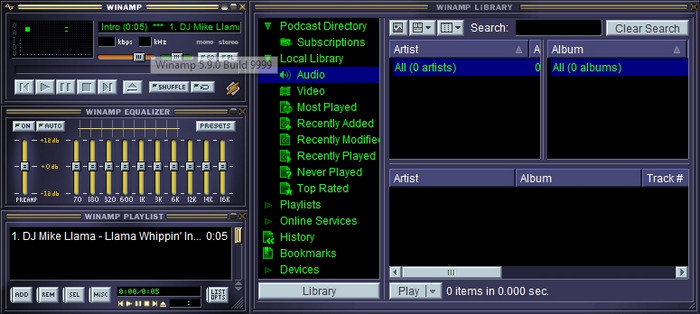
Platform Supported: Windows, macOS only for older versions
- Plays various audio files such as WMA
- Inbuilt playlists, media library and equalizer
- Lightweight and fast
- Interface feels dated
- Limited recent updates
6. AIMP
AIMP is a modern WMA player for Android alternative on desktop, aimed at the user who cares about sound quality. It plays WMAs, has playlists and customizable audio effects with a clean and easy-to-use interface.
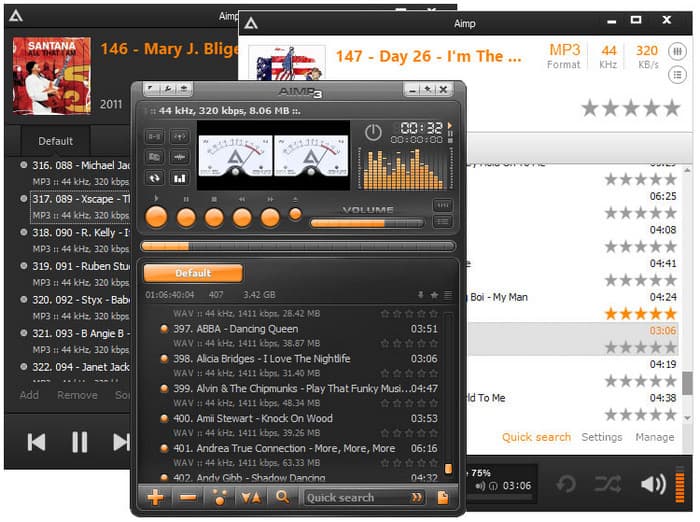
Platform Supported: Windows, Android
- High-quality playback for WMA and other formats
- Flexible playlists and audio effects
- Lightweight and responsive interface
- The desktop version does not support video playback
- The mobile interface is more basic than the desktop interface
7. JetAudio
JetAudio is a comprehensive WMA player for Android phones with robust audio features. It is compatible with WMA files, has built-in equalizers and audio effects and gives the user an opportunity to create and manage playlists effectively.
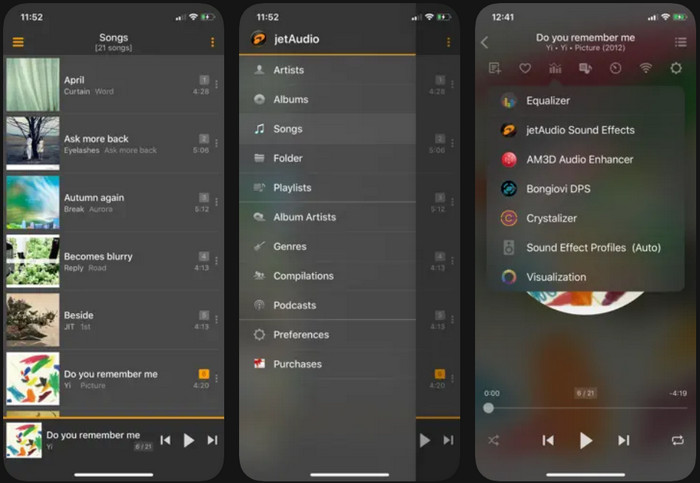
Platform Supported: Windows, Android
- Plays WMA and multiple other audio formats
- Includes audio effects, an equalizer, and playlist management
- Smooth playback for both desktop and mobile
- Free version contains ads
- The interface can be busy for new users
Part 3. FAQs of WMA Player
1. What is better, MP3 or WMA?
MP3 and WMA are both common audio formats. MP3 works on almost all devices, which makes it more convenient. WMA can offer good sound quality at smaller file sizes, especially on Windows devices. Many users choose to convert WMA to MP3 so the audio can be played anywhere without issues.
2. Why can't WMA files be played?
WMA files may not play if the device or media player does not support the format, which is common on non-Windows platforms. The file may also be damaged or missing required codecs. In some cases, users may need to convert MP4 to WMA when they want audio extracted from a video file for WMA-supported players.
3. Will WMA files play on a CD player?
Most standard CD players cannot play WMA files directly because they only support audio CDs. To play WMA music on a CD player, the files must be converted and burned as an audio CD.
Conclusion
Understanding how to play WMA files on a Mac becomes much easier with the right media player. Since WMA files are not supported by macOS by default, using a compatible player ensures smooth playback and reliable audio quality. With the proper tool, you can enjoy your WMA music without extra steps or frustration.
More Reading




About the Author

 Click here to join the discussion and share your comments
 Tipard Blu-ray Player