

Good thing these days, you no longer need a portable DVD player just to watch your DVDs. There is no need to buy extra devices; you can now use a free DVD player on your computer instead. And right in this post, we will show the leading free DVD player for Windows 10, Windows 11, and Mac systems, which you can count on.

Part 1. Why You Need a Free DVD Player
A free DVD player software helps you watch your DVDs on a computer without paying extra. It gives you offline access to your movies anytime. No internet needed - no subscription needed - just simple playback of your media files.
Key Benefits
- Saves money
You do not need to buy expensive tools. It gives DVD playback without extra fees. - Works without internet problems
It works even without the internet. No buffering. No interruptions. No content loss from streaming sites. - Access to older videos
You can still watch old DVDs and rare videos. Even if they are not on streaming apps anymore. - Supports many file types
It supports many formats like MP4, MKV, AVI, and more. It also plays ISO files and standard DVDs easily.
Part 2. Side-by-Side Comparison of Top 8 Free DVD Players
Right in this section, you will get to know the top eight free DVD players you can choose from. You will immediately see which one fits your needs best. Each player has their own strengths. Some are simple. Some are more advanced. Please check each one carefully before you decide!
| Free DVD Players | DVD Support | Blu-ray Support | Video Formats | UI Ease | Playback Controls | OS Support |
|---|---|---|---|---|---|---|
| Tipard Blu-ray Player | All DVD types. | ✓ | MP4, MKV, AVI, WMV, MOV, FLV, M4V, TS. | Simple UI. | Play, pause, stop, forward, rewind, frame step, speed control, playlist control. | Windows and Mac. |
| VLC Media Player | ✓ | Limited support. | MP4, MKV, AVI, MOV, WMV, FLV, WebM, TS, OGG. | Simple UI. | Play, pause, stop, skip, frame by frame, and speed control. | All major OS. |
| KMPlayer | ✓ | ✓ | MP4, MKV, AVI, MOV, FLV, 3GP, TS, WMV. | Modern UI. | Play, pause, stop, repeat, speed change, A-B repeat. | Windows and mobile. |
| 5KPlayer | ✓ | ✓ | MP4, MKV, AVI, MOV, FLV, HEVC/H.265, 4K formats. | Clean UI. | Play, pause, stop, fast forward, rewind. | Windows and Mac. |
| GOM Player | ✓ | No full support. | MP4, MKV, AVI, FLV, MOV, WMV, ASF. | MP4, MKV, AVI, FLV, MOV, WMV, ASF. | Play, pause, stop, slow motion, speed control. | Windows and Mac. |
| Leawo Blu-ray Player | ✓ | ✓ | MP4, MKV, AVI, MOV, WMV, FLV, MPEG, TS. | Simple UI. | Play, pause, stop, chapter skip, full navigation. | Windows and Mac. |
| PotPlayer | ✓ | Limited support. | MP4, MKV, AVI, MOV, FLV, TS, WEBM, HEVC. | Advanced UI. | Play, pause, stop, frame step, speed control, A-B repeat. | Windows only. |
| MPC-HC | ✓ | ✗ | MP4, MKV, AVI, MOV, WMV, MPEG, FLV. | Very simple UI. | Play, pause, stop, frame step. | Windows only. |
| Show MoreShow Less | ||||||
Part 3. Detailed Review of Top 8 DVD Player Software
If the side-by-side comparison table is not enough for you to decide, then this part will help you more. Here, each DVD player is reviewed in detail. You will see how each tool really works. You will also learn their key features. Plus, you will know their pros and cons. It makes it easier for you to pick the right one.
1. Tipard Blu-ray Player
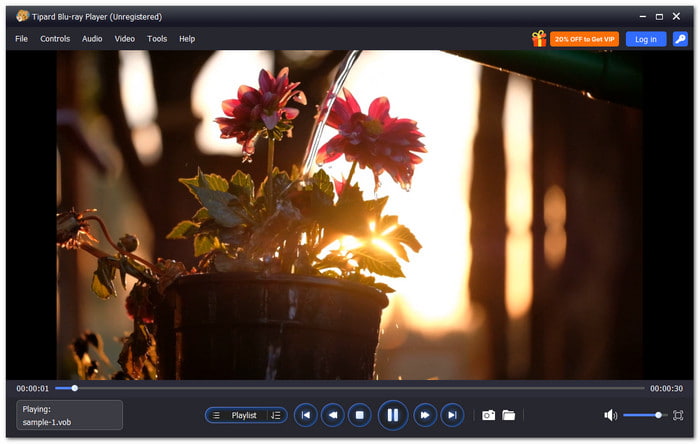
One of the top DVD player software options you should not miss is Tipard Blu-ray Player. It is built to handle almost any DVD you want to watch. It opens commercial DVDs, homemade DVDs, and highly customized DVDs without hassle.
It also supports ISO files, folders, and DVD and Blu-ray discs for more flexible playback. Full GPU acceleration reduces CPU usage and improves video performance for even longer viewing sessions.
Key Features:
- 8K, 1080p HD, and 4K UHD video playback are supported.
- Creates and manages custom playlists.
- Lets you view and select disc chapters.
- Captures screenshots during playback.
- Plays Hi-Res audio with Dolby and DTS support.
- Plays MP4, MKV, AVI, WMV, MOV, and more.
- Adjusts aspect ratio easily.
- Changes video effects like hue, contrast, brightness, saturation, and gamma.
- Improves video clarity with deinterlacing tools like Blend, Discard, and Mean.
- Full features require an upgrade to the $24.00 plan with a 30-day money-back guarantee.
Why We Select It
Tipard Blu-ray Player just works with almost any disc you have. It opens commercial, homemade, and even custom DVDs without trouble. It also supports Blu-ray and many video formats. You can easily control playback with simple buttons. It feels smooth, easy, and perfect for everyday watching.
2. VLC Media Player
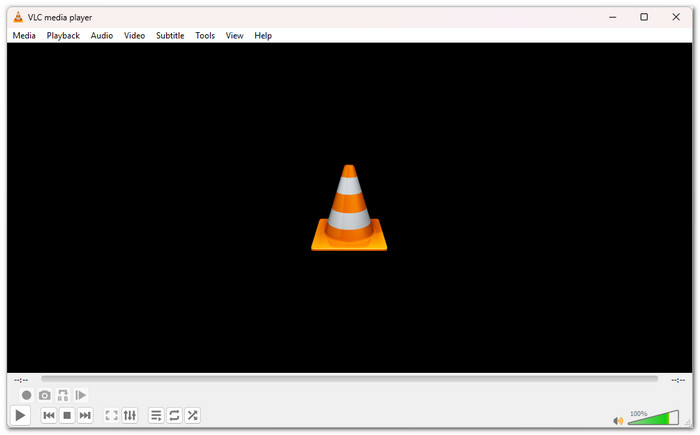
VLC Media Player is one of the most trusted names in media playback and works well as a free DVD player for Windows 11. It does not require you to install additional codec packs in order to handle DVDs, videos, music, and online streams. It also contains helpful tools for modifying playback effects, converting media files, and recording screens. It is a dependable choice for daily use because of its broad format support.
Key Features:
- Built-in media converter.
- Screen capture feature.
- Advanced video filters.
- Cross-platform support.
- Very stable performance.
- Supports many formats.
- No hidden charges.
- Old-looking interface.
- DVD settings can be confusing.
3. KMPlayer
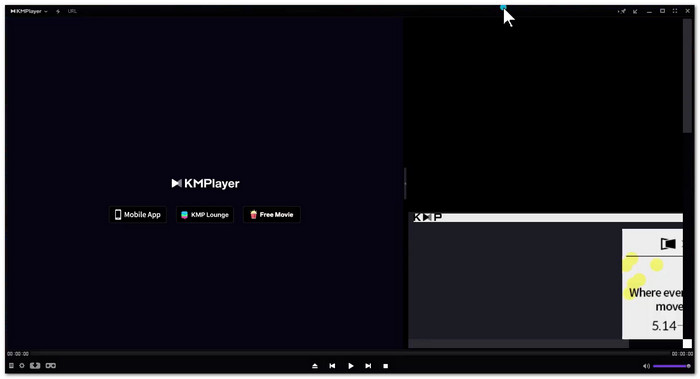
If you often watch high-quality videos, KMPlayer is worth a look as a free DVD player on Windows 10. It is built for smooth playback of 4K, 8K, UHD, and 60FPS content. It also supports 3D playback, hardware acceleration, subtitle controls, and video capture tools. This player gives users many ways to customize their viewing experience.
Key Features:
- Supports 4K and 8K videos.
- 3D video playback.
- Video and GIF capture.
- Advanced subtitle controls.
- Excellent high-resolution playback.
- Highly customizable.
- Supports many formats.
- May include bundled offers.
- Too many settings for beginners.
4. 5KPlayer
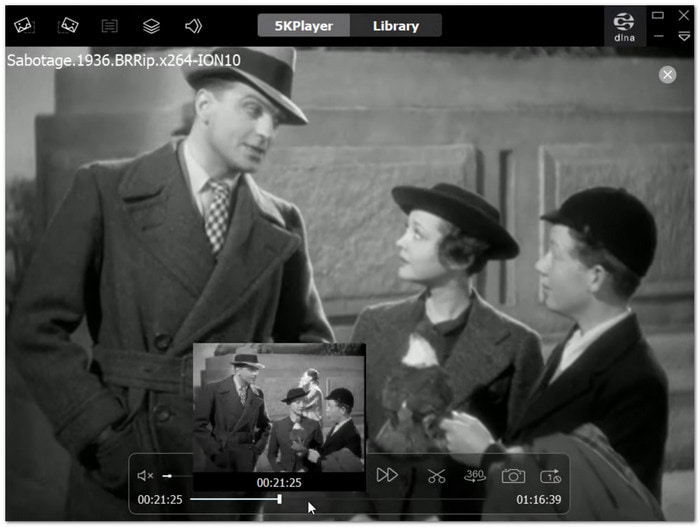
Unlike KMPlayer, which focuses on customization, 5KPlayer combines playback, downloading, and wireless streaming in one place. It also works as a free Windows 10 DVD player software for users who need simple disc playback on older systems. It supports DVDs, ISO files, and high-resolution videos up to 8K. AirPlay and DLNA support make it easy to send media to other devices.
Key Features:
- AirPlay support.
- DLNA streaming.
- Can play ISO files.
- Online video downloader.
- Streams to smart TVs.
- Clean interface.
- Handles high-resolution videos.
- Some features need registration.
- Performance depends on hardware.
5. GOM Player
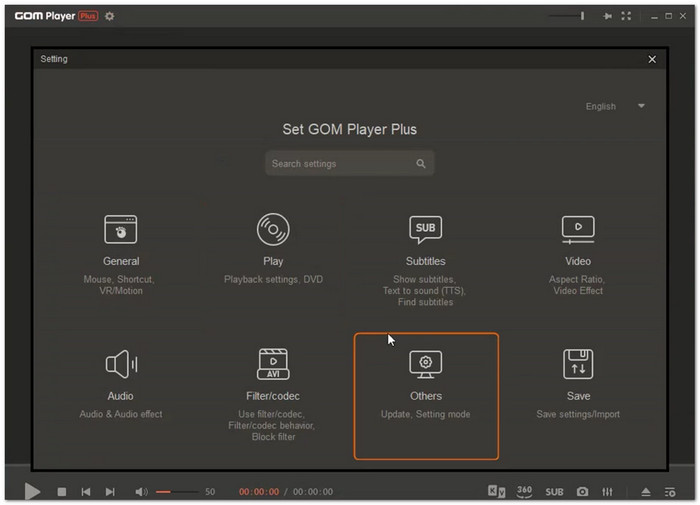
Some video files refuse to play because of missing codecs. GOM Player helps solve that problem with its built-in codec finder. It also supports over 100 formats and offers immersive 360-degree VR playback. Extra features like online subtitle syncing and AI subtitle generation make it a useful choice for media lovers.
Key Features:
- 360-degree VR playback.
- AI subtitle generation.
- Online subtitle support..
- Repeat section playback.
- Finds missing codecs.
- Good subtitle tools.
- VR video support.
- Ads in the free version.
- Some features require upgrades.
6. Leawo Blu-ray Player
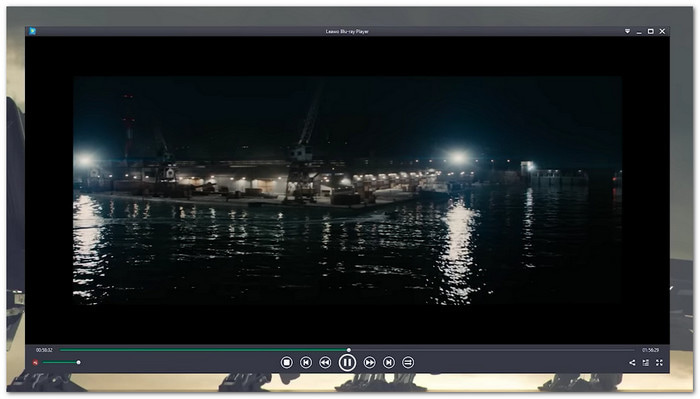
For users who mainly watch discs, this free DVD movie player software keeps things simple. It can play Blu-rays, DVDs, ISO files, folders, videos, and audio files from one interface. Region restrictions are not a problem, making it easy to enjoy content from different countries. It also supports advanced audio technologies for better sound quality.
Key Features:
- Region-free playback.
- Supports Blu-ray folders.
- Advanced audio decoding.
- Disc menu support.
- Plays protected discs.
- Clean interface.
- Supports 4K Blu-ray.
- Occasional playback lag.
- Some premium tools cost extra.
7. PotPlayer
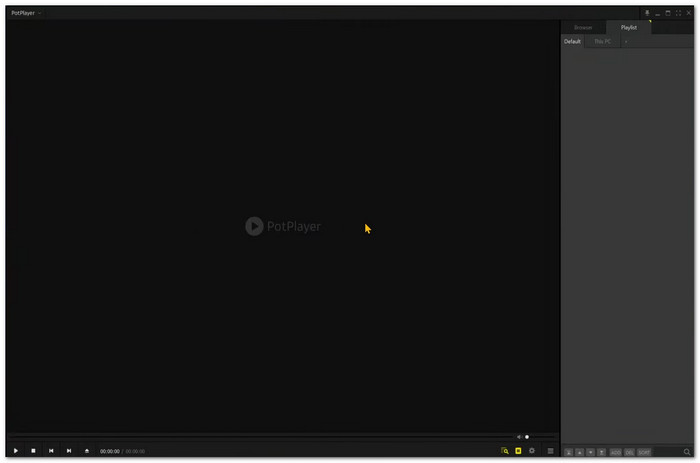
Power users often choose PotPlayer because of its deep controls and strong performance. It supports 8K playback, OpenCodec integration, advanced subtitle effects, and hardware acceleration technologies. Despite its rich feature set, this DVD player for free stays lightweight and efficient. It is best suited for users who enjoy fine-tuning every part of playback.
Key Features:
- Supports 8K videos.
- OpenCodec integration.
- Advanced subtitle effects.
- 3D video support.
- Highly customizable.
- Smooth playback.
- Advanced bookmarking tools.
- Steep learning curve.
- Too many menus for beginners.
8. MPC-HC
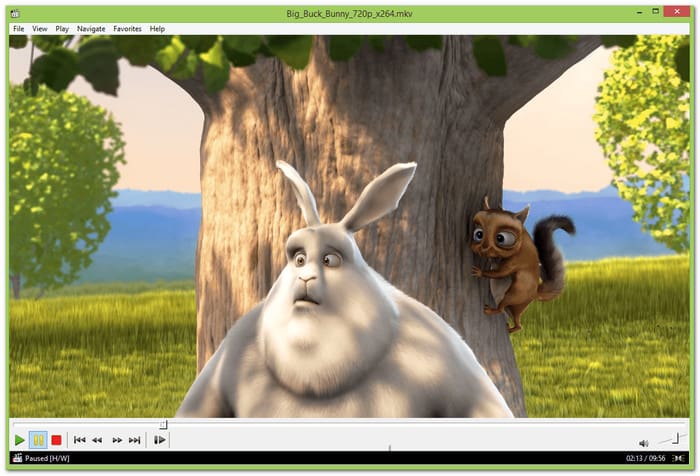
Not everyone needs a feature-packed media player. This free DVD player program focuses on speed, simplicity, and low resource use. Even on older computers, it starts up fast and performs well. It is free of advertisements and unwanted software thanks to its open-source design.
Key Features:
- Open-source software.
- DVB support.
- Custom toolbar options.
- Wide format compatibility.
- Very lightweight.
- Fast startup speed.
- No ads.
- Development stopped years ago.
- Lacks modern streaming tools.
Part 4. FAQs of Free DVD Player
Can I play all DVDs with a free DVD player?
Not always. Some DVDs are locked by region codes. It means they only work in certain areas. Some discs also have strong protection. Because of that, you need to use a region-free DVD player, as it handles it without a problem.
Why is my DVD not playing?
There are a few simple reasons. The DVD may be scratched or dirty. The disc drive may have trouble reading it. The software may also be outdated. Sometimes, the DVD itself is not supported. Trying another disc can help you check the problem.
Is it possible to use subtitles while watching movies on a free DVD player?
Yes, it is possible. Most free DVD players support subtitles. You can turn them on during playback. You can also turn them off if you do not need them. Some players even let you choose the subtitle language if it is included on the disc.
Conclusion
Now you reach this end; we assume you already know the best free DVD player for Windows 11, Windows 10, and other versions or systems. For Windows and Mac, we strongly recommend Tipard Blu-ray Player. It plays DVDs, Blu-ray, and many video formats. It gives smooth and simple playback!

Play Blu-rays and multimedia files with the best video and audio quality
100% Clean & Safe
100% Clean & Safe

More Reading


About the Author

 Click here to join the discussion and share your comments
 Tipard Blu-ray Player