

People often look for an easy way to record audio, yet choosing a sound recorder can still feel confusing. Many tools look the same at first, but their features and results can differ a lot. This review keeps the process simple by showing what each option does in real use. It covers desktop programs, online recorders, and mobile apps so readers can see how each one performs in speed, setup, and audio clarity. The goal is to give clear facts that guide a smart choice. Now, let us explore the tools that deliver the best value.
Part 1. Desktop Sound Recorder Software for PC & Mac
Recording audio on a computer can be hard without the right sound recorder for PC. Desktop sound recorders give clear sound and more control than online tools or phone apps. They work well for meetings, tutorials, podcasts, and voice notes.
In this section, the top options for PC and Mac are reviewed. Each tool is tested for real use. Notes cover how easy it is to use, the main features, and the audio quality. This guide helps you pick the best recorder for your needs.
1. Tipard Screen Capture
Tipard Screen Capture works well for users who record long sessions like meetings, voice guides, or online lessons. The tool starts fast, and it captures audio with steady volume even when switching apps. Many users like that it avoids background hiss, which is common in cheap recorders. For anyone who needs both video capture and sound voice recording, it offers a smooth setup that does not get in the way.
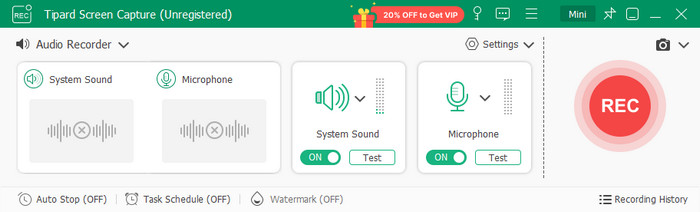
- Simple layout that is easy to learn
- Clear audio with stable levels
- Supports timed and scheduled tasks
- Adjustable channels of recording with monophonic Mode
- Warning you when no audio is detected on the Mic
- Audio noise cancellation for recording is available on the premium only
2. Audacity
Audacity is also recommended when the user wants to have total control over the audio. It works with voice tracks, music layers and background cleanup, giving good results. Popular among many hobbyists, as well as students, since it remains stable throughout long edits. When paired with a screen and sound recorder Windows setup, it gives users a strong way to boost their audio without spending money. It is not the prettiest tool, but its power makes up for it.
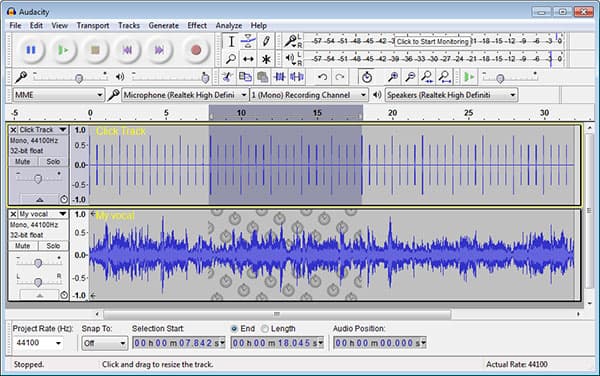
- Free and open source
- Wide range of effects and filters
- Great for multi-track editing
- Old-looking interface
- Takes time to learn
3. Windows Voice Recorder
Windows Voice Recorder is simple, but that is also its strength. As a built-in sound recording software, it works well for basic tasks and saves files in a clean format that shared easily. It is not meant for deep editing, but it is perfect when speed matters.
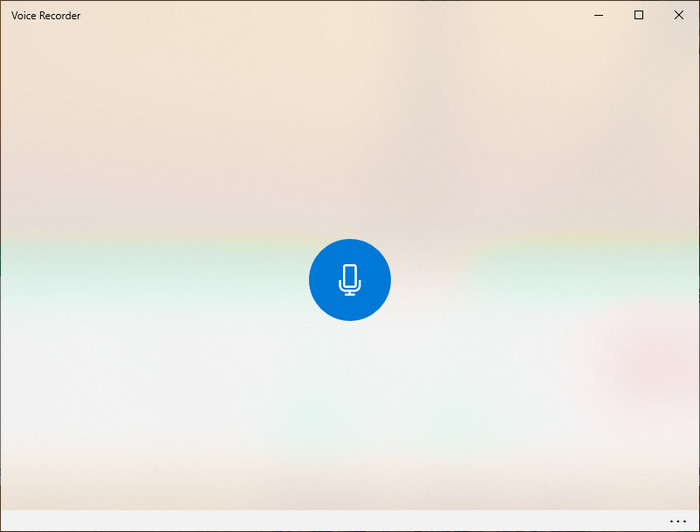
- Very easy to use
- No setup needed
- Good for short and simple clips
- Very limited features
- Not suitable for advanced work
4. Adobe Audition
Adobe Audition is used in studios, radio rooms, and editing houses. It handles noise cleanup, voice balancing, and multi-track mixing with smooth results. Many creators use it for podcasts and video production because it keeps large files stable. Being a pro-level Windows sound recorder, it allows complete adjustment of tone, volume, and effects. It is best suited to the user who requires accuracy, yet it requires time and ability.

- Studio-grade tools
- Excellent for voice cleanup
- Works well with other Adobe apps
- Pricey subscription
- Not friendly for beginners
5. OBS Studio
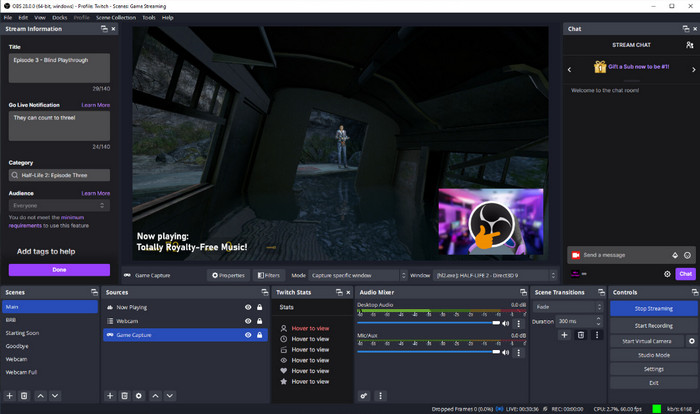
OBS Studio is popular with streamers, although it is also a favorite when it comes to recording voice and system audio. It allows users to create scenes, mix tracks, and check the levels in real time. Keeps audio and video synchronized, which explains why many creators commentate on games, create reaction videos, and tutorials using it. Being a free sound recording software, it is of great strength at no cost. The only issue is the installation, which is a bit time-consuming.
- Free and powerful
- Great for mixed audio setups
- Ideal for screen, mic, and system capture
- Can confuse new users
- Uses more system resources
Part 2. Online & Browser-Based Sound Recorders
Sound recorder apps are a quick and easy method of recording sound online without any software installation. In order to assist you in finding the right one, this section analyzes the best four online options in terms of real-world application, the ease of application and the quality of audio.
1. Online Voice Recorder by 123Apps
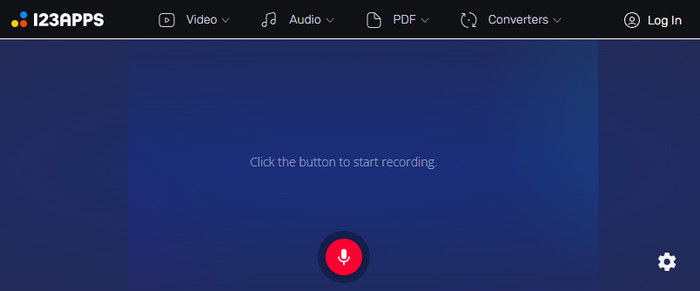
Online Voice Recorder by 123Apps is an easy and trusted online sound recorder that operates in any recent internet browser. It records audio from the microphone and gives the user the opportunity to cut the records before saving. It is ideal for lectures, fast voice notes, or even online interviews, which many users use. The interface is user-friendly and responsive, and thus, a beginner can begin recording within a few seconds.
- Free and fast to use
- No registration required
- Easy trimming and download options
- No advanced editing tools
- Limited to microphone input only
2. Vocaroo
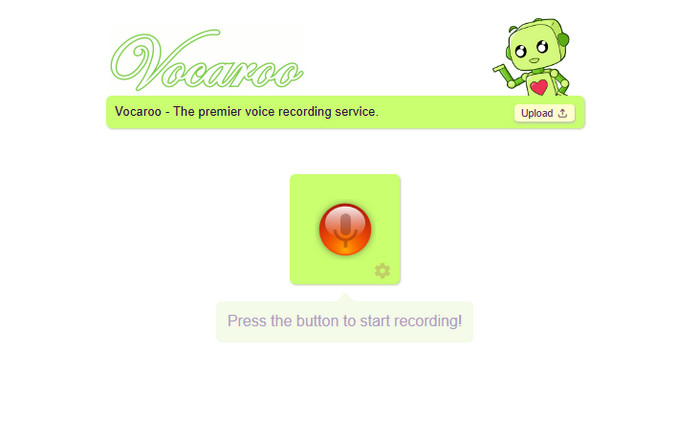
Vocaroo is a lightweight, free online sound recorder that works instantly on any device. It is ideal for short voice messages or casual recording tasks. Users can record, listen, and share via a link or download with one click. Vocaroo audio recorder is popular among students and remote workers for its speed and simplicity.
- Very fast and intuitive
- Works on desktop and mobile
- No installation or sign-up needed
- Very basic features
- No format selection
3. Apowersoft Online Audio Recorder
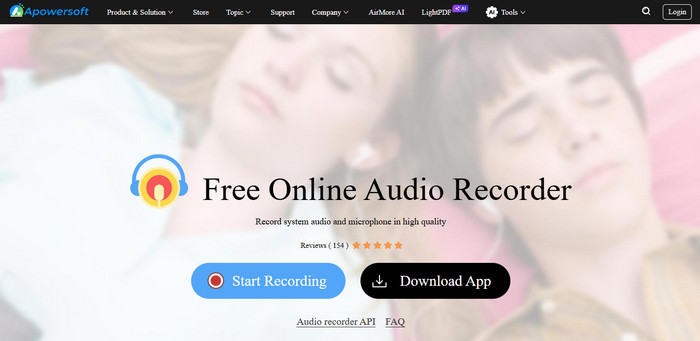
Apowersoft Online Audio Recorder is a complete-fledged Chrome sound recorder, recording microphone, or system sounds or both. It supports various file formats for saving, which means it is applicable in tutorials, presentations, or commentary in a game. Reliability and clarity in audio are valued by many users, even when used on longer sessions.
- Supports system audio and microphone
- Multiple export formats
- Clear and stable recordings
- First-time installation of the launcher is required
- Slow on outdated machines
4. Rev Online Voice Recorder
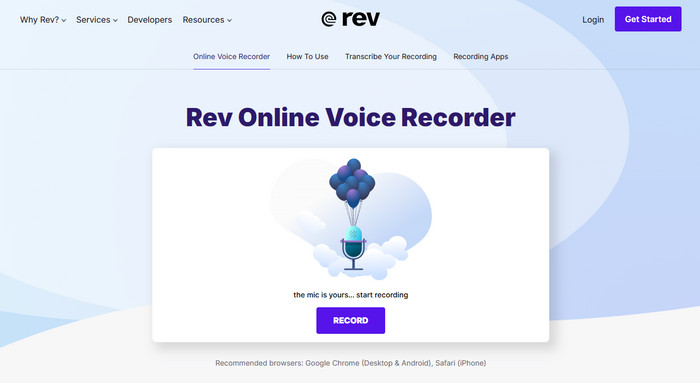
Rev Online Voice Recorder captures audio properly and stores it without any downloads. Users note that Zoom sound recorder is stable on short-duration use and capable enough to be used by a professional worker at home or when making a podcast.
- Fast and no download required
- Clear and reliable audio
- Easy interface
- Limited editing features
- Only supports mono recordings
Part 3. Smartphone Sound Recorder Apps
Finding a reliable app is key when you need quick and clear audio on the go. The best sound recorder app should be easy to use, offer good audio quality, and work in different situations like lectures, meetings, or voice notes. This section highlights three top apps for Android and iPhone, showing how they perform in real use.
1. Easy Voice Recorder
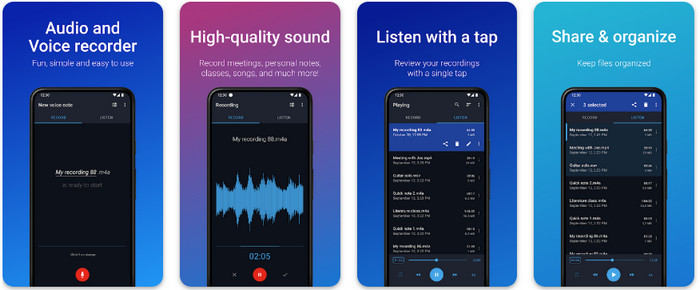
Easy Voice Recorder is an Android sound recording software that records clear audio with minimal setup. It is effective in lectures, meetings and notes to self. Users like its simple interface, fast booting and the capability of capturing in high-quality formats.
- Simple and fast to use
- Supports high-quality audio
- Can save and share recordings easily
- Limited editing features
- The free version has ads
2. Smart Voice Recorder
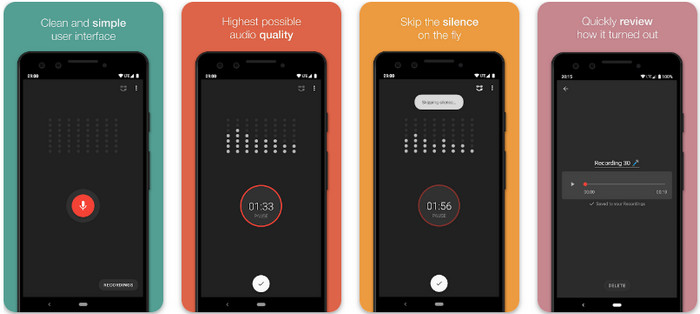
Smart Voice Recorder is a sound recorder Android app, which is a long session type of application. It preserves sound quality and fidelity with the sound, even on hour-long recordings. Virtually every user enjoys the live monitoring feature and the possibility to skip silence, thus saving storage space.
- Works for long recordings
- Skips silent parts automatically
- Easy file management
- Interface feels basic
- Some features require an in-app purchase
3. Voice Memos
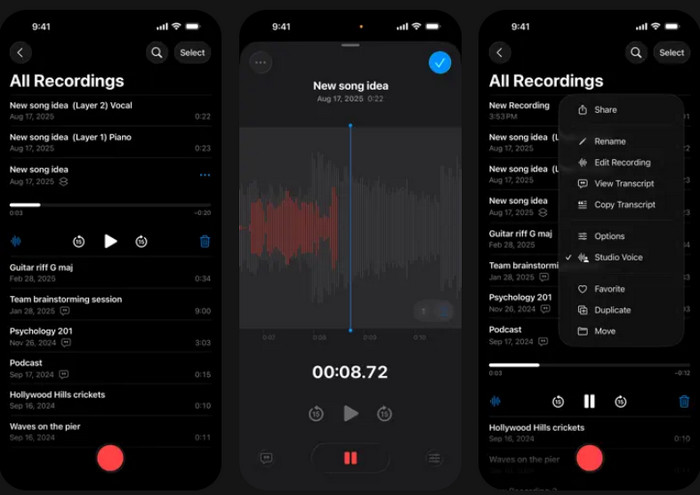
The Voice Memos is the default sound recorder iPhone app, which many people use to make quick and clear recordings. It manages lectures, meetings and personal notes effectively. Such users have audio recordings that are automatically uploaded to iCloud and can be trimmed or even shared easily.
- Built into iPhone
- Auto-sync via iCloud
- Simple editing tools
- Limited advanced features
- Only works on iOS devices
Part 4. Looking for a Physical Voice Recorder?
A digital sound recorder may be the ideal option in case you require quality and reliable audio without using phones or applications. Such devices can be used during interviews, lectures, meetings, or fieldwork.
Physical recorders are easy to use, have a long battery life, and have a small storage capacity, which makes them ideal to use both professionally and personally use. The following are some of the common options you can have:
1. Olympus WS-853
The Olympus WS-853 is a sound recorder device that is versatile enough to provide clear recording in different settings. It has an inbuilt USB connector to facilitate easy transfer of files, and it records various formats. Lectures and interviews are best with a large memory and noise-cancellation technology.

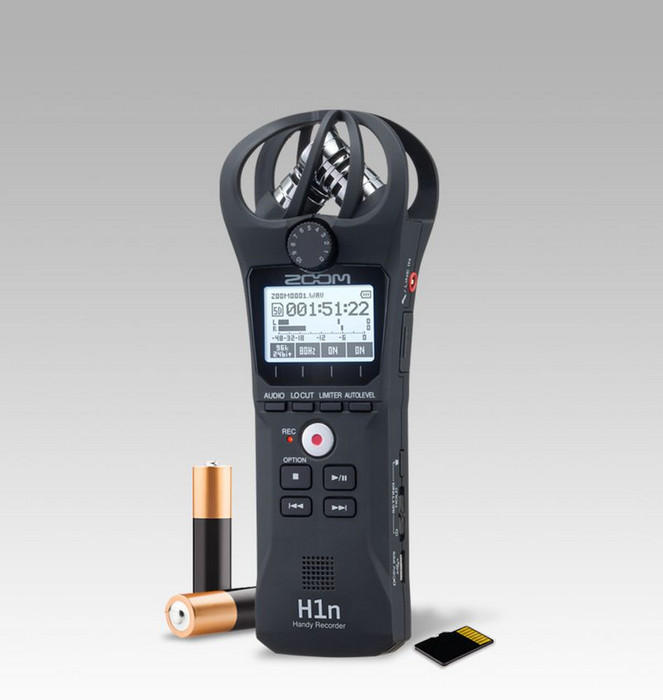
2. Zoom H1n
The Zoom H1n is a mini sound recorder that is used to capture high-quality audio in a portable way. Their microphones are stereo, which captures detailed sound, and it is therefore ideal with musicians, journalists, or students. It can accommodate long recordings despite being small.
3. Sony ICD-PX470
The Sony ICD-PX470 is an effective Sony sound recorder with good sound and simple navigation. It provides increasing storage capacity, lengthy battery duration, and different recording features, which can be used during meetings, lectures, and personal notes, with a user-friendly interface that suits all users, including beginners and professionals.

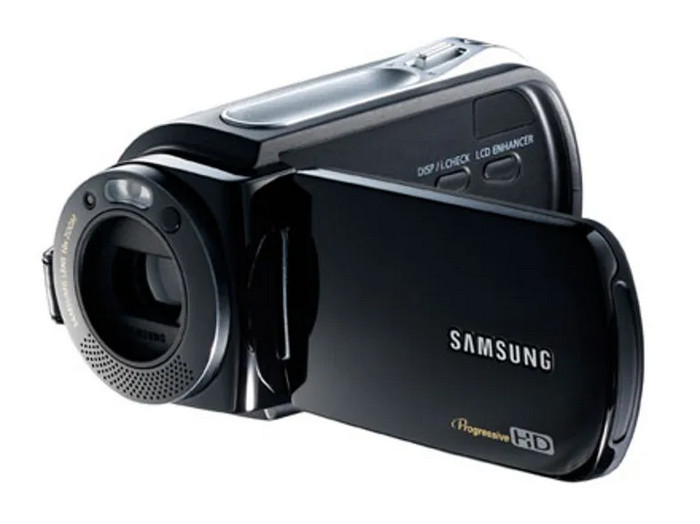
4. Samsung VP-DX10
The Samsung VP-DX10 is a robust Samsung sound recorder that captures audio with clarity and minimal background noise. It also has a high-power battery, a convenient USB connection and multi-purpose recording features, making it the best device to be used by professionals who require a reliable device that they can use daily.
Conclusion
Desktop software gives high-quality audio, online recorders are fast and easy, smartphone apps work on the go, and physical devices are reliable in any setting. For those who want a free and simple option, a free sound recorder app can get the job done.
More Reading

About the Author

 Click here to join the discussion and share your comments
 Tipard Screen Capture